
Edit logo text with AI.
Keep the mark. Fix the words.
No credit card required to start. Sign in for a free edit.
By clicking Generate, you confirm you own or are licensed to edit this image and that the edit is not intended to deceive a third party — including fake refund or transaction proofs and email or chat screenshots altered to falsify sender, content, or timestamp.
We do not process IDs, passports, certificates, bank records, receipts, payment proofs or chat screenshots. See our Acceptable Use Policy.
Edit logo text AI means fixing the garbled or misspelled wordmark in an AI-generated logo — Midjourney, DALL-E, Ideogram — while the mark, colors and composition are intended to remain visually consistent. Upload the logo, type the wrong text and the correct brand name, download in 2K. No re-prompting, no redesign. Compare the result with the original before publishing; AI can change surrounding details.
Three real AI logos, fixed.
Each one starts the same way: the AI nailed the design and fumbled the words — and regenerating would gamble away the part you love.
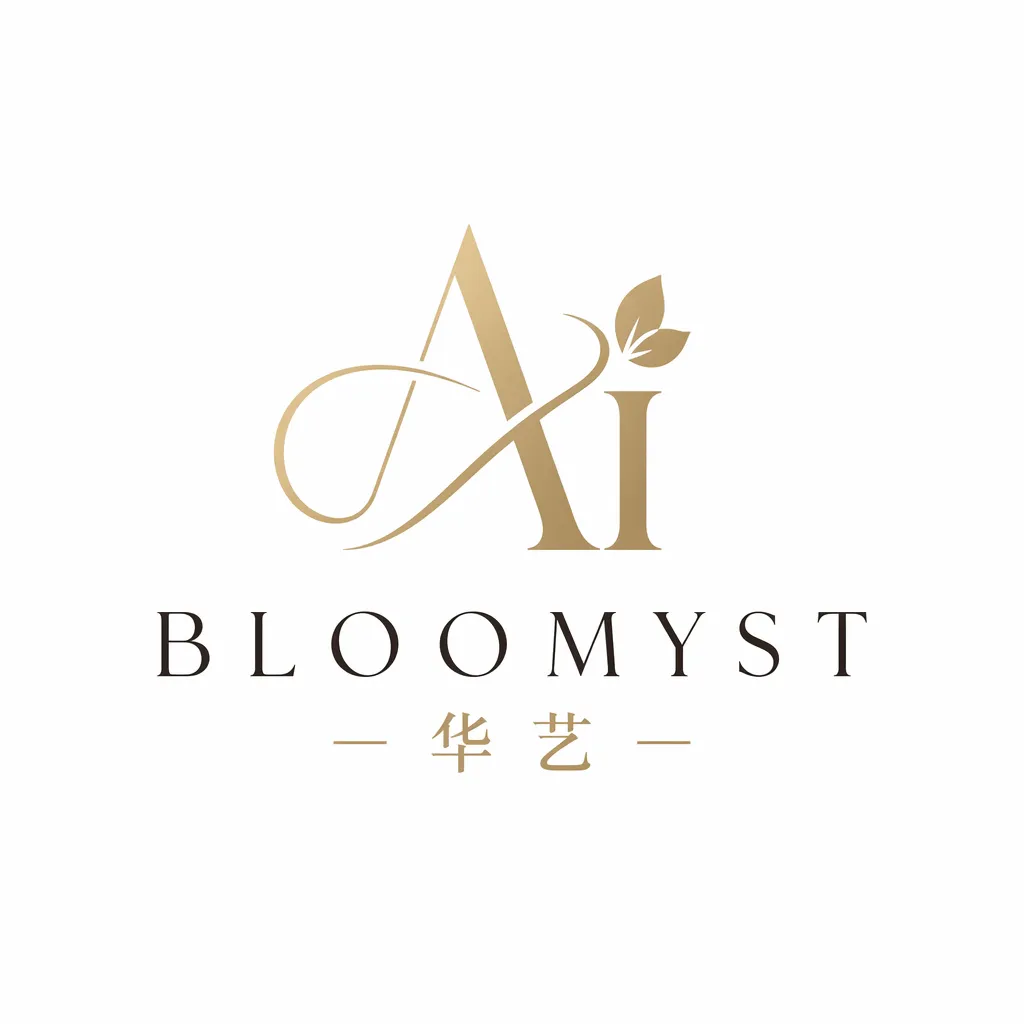 Before
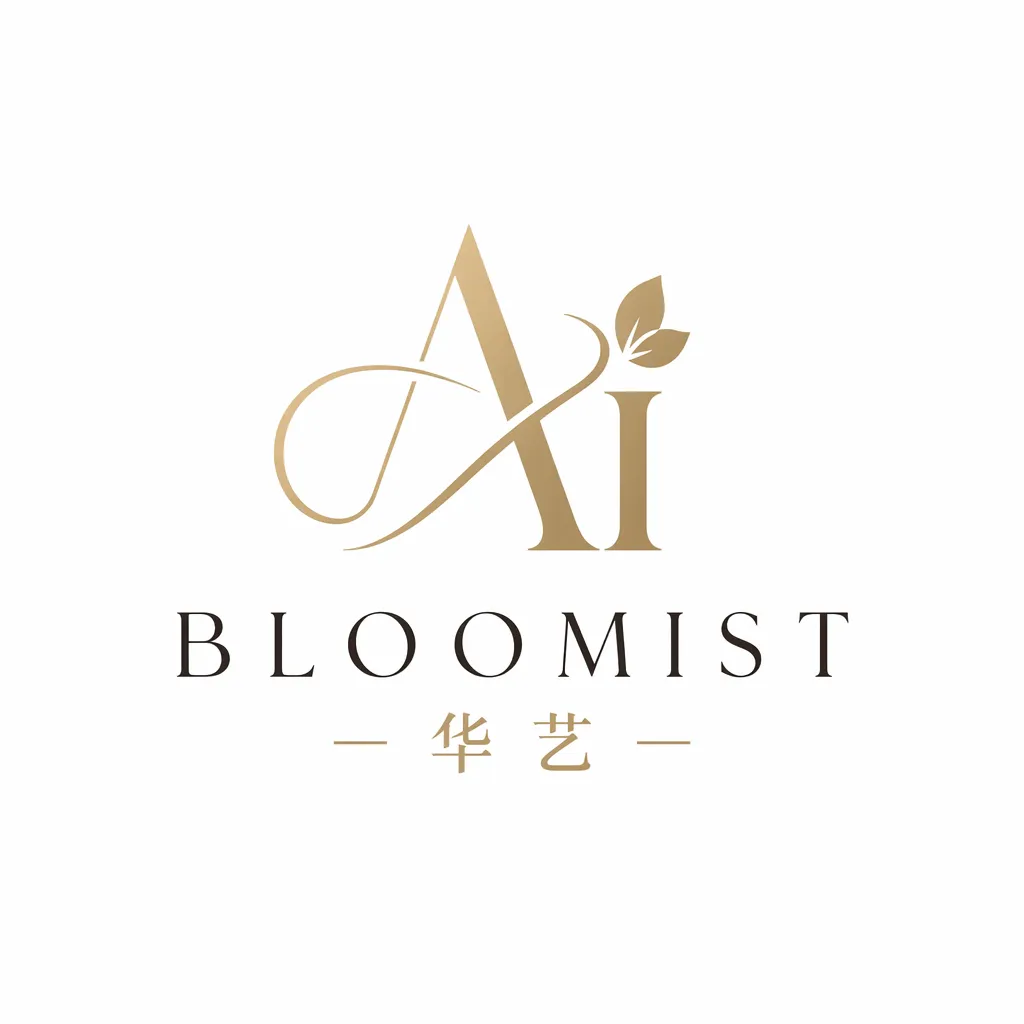 After
Midjourney nailed the mark and misspelled the name
You prompted Midjourney thirty times and finally got the botanical mark you wanted — but the wordmark reads «BLOOMYST» instead of «BLOOMIST». Re-rolling risks losing the mark entirely; Midjourney doesn't do surgical fixes. Edit the logo text with AI instead: type the garbled name, type the correct one, and the wordmark re-renders in the same lettering style while the leaf mark, palette and composition are intended to remain visually consistent. Compare the result with the original before publishing; AI can change surrounding details.
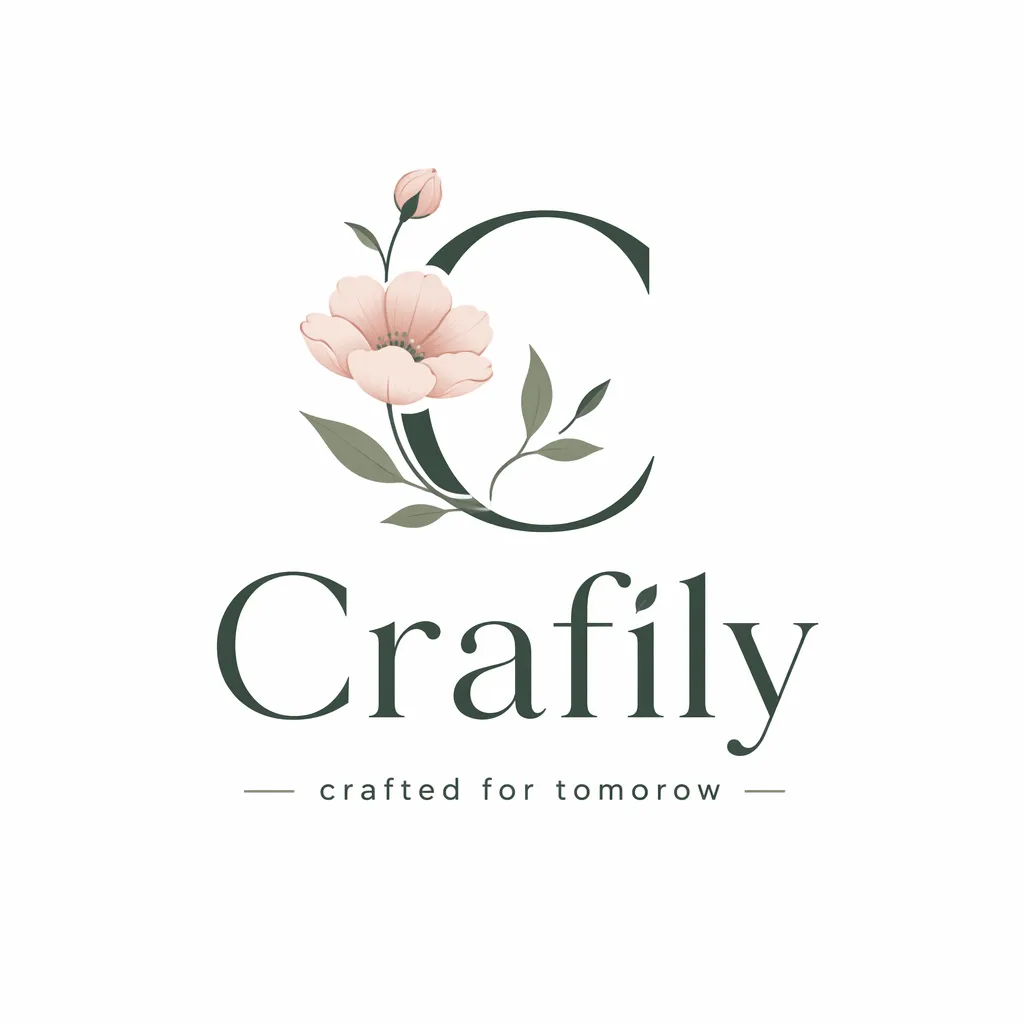 Before
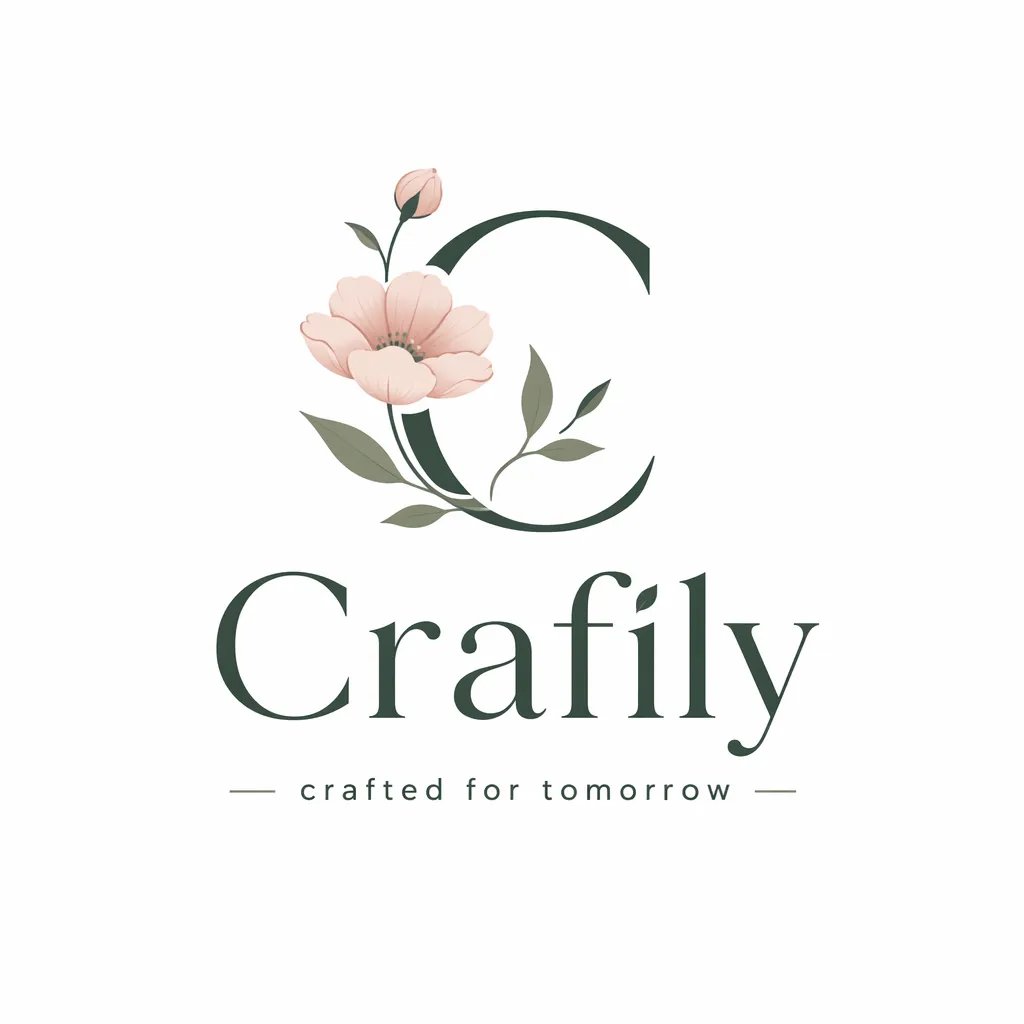 After
Swap the DALL-E tagline, keep the badge
DALL-E produced a clean coffee-roaster badge, but the tagline underneath reads «Crafted for tomorow» — one letter short. The badge geometry, the beans, the circular text path are all perfect. Instead of regenerating and hoping, edit the logo text in place: the AI replaces just the tagline glyphs, matching the small-caps letterforms and the arc, and the badge above survives untouched.
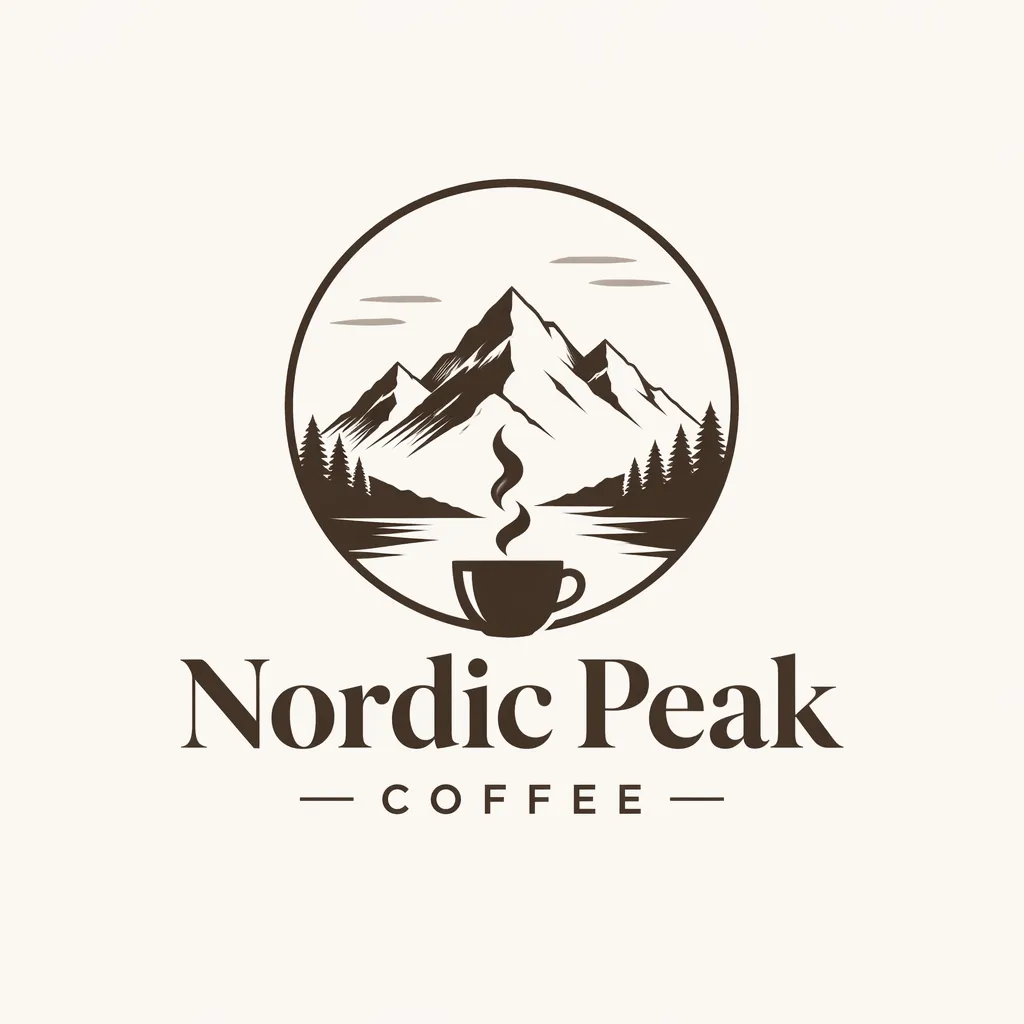 Before
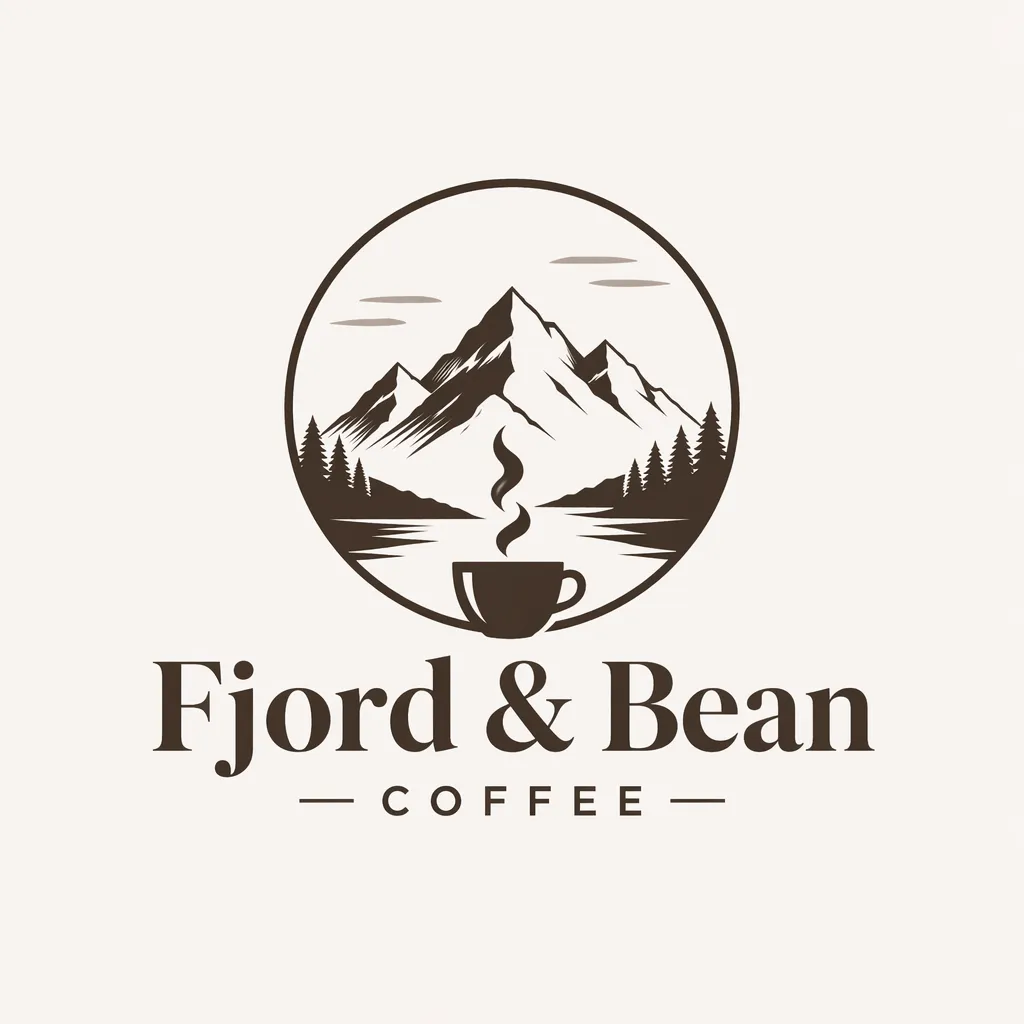 After
A rebrand: same mark, new company name
Your team rebranded from «Nordic Peak Coffee» to «Fjord & Bean» but everyone loves the AI-generated mountain mark from last year. There's no vector source — the founder generated it in an AI tool that's since shut down. Edit the logo text with AI on the highest-resolution PNG you have: the new name renders in the same custom lettering style, and the mark you couldn't recreate stays exactly as it was.
What does it mean to edit logo text with AI?
To edit logo text AI-style is to replace the wordmark — the rendered brand name, tagline or monogram lettering — inside a finished logo image without touching the mark around it. The AI samples the letterforms already in the logo (stroke weight, contrast, spacing, case), removes the wrong glyphs, reconstructs the background, and re-renders your corrected text in that same invented lettering style. This solves the defining frustration of AI logo generation: diffusion models produce striking marks but learn text as shapes, not spelling, so wordmarks come out garbled — «BLOOMYST», «tomorow», an ampersand turned squiggle. Instead of re-rolling and hoping the mark survives, you keep the generation you love and fix only its words. A logo is one surface where you can edit text in image form — the same engine handles posters, screenshots and banners.
Game logos and title cards are the same problem with harder lettering — bevels, outlines and gradient fills that no installed typeface reproduces — which is what editing a game font covers. If the garbling came from the generator rather than the brief, fixing text in an AI generated image is the general case of this page.
How can I fix my logo text on Midjourney?
The question every AI logo maker eventually asks. Inside Midjourney your options are re-rolling (which changes the whole design) or region-varying with a text prompt (which still renders text as shapes and usually garbles it again). The reliable fix happens after export:
- 1.Export the generation you want to keep. Upscale first if the option exists — the more pixels the wordmark has, the more precisely its lettering style can be sampled.
- 2.Type the garbled text and the correct name. Enter the text as it (mis)appears — «BLOOMYST» — then the intended brand name. The AI matches the invented letterforms; you don’t need to know or find a font.
- 3.Download and ship the corrected logo. Download the image and compare the mark, palette and layout with the original. Fast uses the 1K tier; paid accounts can use Pro at 2K. Vector output is not provided.
Frequently asked questions
How can I fix my logo text on Midjourney?+
You can't reliably fix text inside Midjourney itself — re-rolling or inpainting with a text prompt usually changes the mark along with the words. The dependable workflow: export the logo you like, upload it to EditText, type the garbled text and the correct brand name, and generate. The AI re-renders just the wordmark in the same lettering style; the mark, palette and layout are intended to remain visually consistent. Processing time varies by image and provider load. Compare the result with the original before publishing; AI can change surrounding details.
Why does AI generate garbled text in logos?+
Because image models learn text as shapes, not as spelling. Diffusion models like Midjourney and Stable Diffusion reproduce the visual texture of lettering — stroke weight, spacing, style — without a reading model to enforce that the glyphs form your actual brand name. Short words fare better than long ones; ampersands, double letters and rare names fail most often. That's why the practical fix is post-generation: keep the design, replace the text with a tool built for glyph-accurate rendering.
Can I change the text in an AI generated logo without redesigning it?+
Yes — that's exactly what this page's editor does. Upload the finished logo, type the current text and the replacement, download. Only the pixels of the wordmark change; the mark, gradients, shadows and composition are untouched. It works whether the original came from Midjourney, DALL-E, Ideogram, Stable Diffusion or a logo-maker app.
How do I keep the same font when editing logo text?+
You don't have to identify the font at all. The AI samples the letterforms already in the logo — stroke contrast, terminals, letter spacing, case — and re-renders your new text in that same style. This matters for AI logos in particular, because their "font" usually isn't a real installable typeface; it's a one-off invention of the model that no font-identifier can name.
Can I get a vector or SVG version of the fixed logo?+
The output is a high-resolution raster (2K PNG), not a vector. For most uses — website header, social profiles, pitch decks, print at business-card scale — 2K is sufficient. If you need true vectors for large-format print or embroidery, fix the text here first, then run the corrected PNG through a tracing tool like Adobe Illustrator's Image Trace or Vectorizer to produce an SVG.
Can I edit logo text with AI for free?+
Yes — every new account includes 1 free credit, which covers one full-resolution logo text fix with no watermark and no card required. One credit edits one text region: a wordmark fix is one credit; a wordmark plus a separate tagline is two.
Do I own the rights to an AI-generated logo after editing it?+
Editing doesn't change the underlying rights — it depends on the generator's terms. Midjourney's paid plans and OpenAI's terms generally let you use outputs commercially; check your plan. Note that purely AI-generated artwork has limited copyright protection in the US, which is one reason trademark registration matters more for logos than copyright. This is general information, not legal advice.
Can I change my company name in an existing AI logo for a rebrand?+
Yes — rebrands are one of the most common uses. Upload the highest-resolution copy of the current logo, enter the old name and the new one, and the new wordmark renders in the same lettering style. This is especially useful when the original was generated in a tool you no longer have access to, or when no vector source ever existed.
Does this work with DALL-E, Ideogram, Stable Diffusion and Canva AI logos?+
Yes. The editor works on the exported image, so it doesn't matter which generator produced it — Midjourney, DALL-E, Ideogram, Stable Diffusion, Leonardo, Canva's AI tools or a logo-maker app. If the text in the export is garbled, misspelled or simply wrong, the same three-step fix applies: upload, type old and new text, download.
Will curved or arced logo text be preserved when I edit it?+
Straight and gently-curved wordmarks re-render most reliably, including small-caps badges and circular text paths with moderate curvature. Extremely tight arcs, 3D-extruded lettering and heavily textured effects are the hardest cases — the AI usually keeps the style but may need a second generation to nail glyph placement on an aggressive curve.
Can I edit the text in another company's logo?+
No. Editing a logo you don't own to pass off, imitate or mislead is trademark infringement, and it's prohibited by our Acceptable Use Policy. This tool is for logos you created, own or are licensed to modify — your AI generations, your company's rebrand, your client work with permission.
how can i edit text in a png without changing the font?+
To edit text in a PNG without changing the font, use a tool that preserves the font's style by sampling surrounding text properties like EditText or Canva with manual font matching. The tool is specifically designed for this task, as it automatically samples the font's weight, color, size, and perspective from the image to accurately re-render the text. You simply upload your PNG file (up to 10 MB), specify the text to edit, and receive a 2K resolution image in about 30 to 60 seconds with the text seamlessly adjusted. Alternatively, Canva can be used, though it requires manually matching the existing font. You'll need to visually identify the font used and select it from Canva's library, which may not have every font available, especially if custom or less common fonts are used in the image. Using the tool ensures that the text modification remains consistent with the original design, avoiding common issues like font mismatch or color shift that can occur if the surrounding properties are not accurately sampled. After editing, save your work as PNG to maintain the quality and transparency (using PNG's alpha channel if needed) of your original image.
how can i edit a text on a png without losing quality?+
To edit text on a PNG without losing quality, use tools that preserve the PNG's alpha channel and avoid compression artifacts, like Photopea and EditText. PNG files are lossless and can maintain transparency, which is crucial for designs with layered text or backgrounds. The tool allows for text editing by sampling the original font and color directly from the image, using generative inpainting to ensure the text blends seamlessly. This tool maintains the original 2K resolution output, avoiding the degradation often seen with other formats like JPEG, which suffer from lossy compression artifacts during edits. Photopea, an online alternative to Photoshop, also handles PNG editing well, providing detailed control over layers and transparency. It’s suitable for users familiar with more complex editing interfaces. Using either tool, ensure you save your final image in the PNG format to preserve any transparency or high-detail elements. Also, check for any changes in the EXIF orientation flag if the image looks rotated after editing as some devices, like iPhones, can apply orientation tags that alter how images are displayed.
what's the best free tool to edit text in png files?+
For editing text in PNG files, EditText is one of the best free tools available due to its ability to automatically preserve the font, color, and layout of the original image. It supports PNGs up to 10 MB and provides a 2K resolution output in about 30 to 60 seconds. The tool uses bounding-box-conditioned generation to accurately maintain the style and appearance of the text, which is especially important for designers looking to make seamless edits. This technique ensures that the changes blend well with the existing image, making it ideal for logos, banners, and other marketing materials. Another good option is Photopea, an online alternative to Photoshop that is completely free and supports PNG files. Photopea offers more manual control but requires a bit more skill as users need to manually select and adjust the text area, which could be more time-intensive. For those seeking quick and effortless edits, the tool’s automated approach can save time and maintain professional quality without requiring in-depth design skills. It’s particularly beneficial for users needing to make frequent edits without quality loss, thanks to its careful preservation of the PNG format's alpha channel.
how do i change text in a png image without losing font style?+
To change text in a PNG image without losing the original font style, you need a tool that preserves the font's attributes like weight, size, and color. EditText is one such option that can automatically sample these features from the image itself. Unlike general photo editors like Photoshop CC 2025, which require manual font identification and matching, the tool can directly discern the font characteristics from the surrounding text and apply them to your edits. This automated process makes it a quick solution if you need to maintain the exact look of the original text — a key requirement for brand logos or marketing banners where consistency is crucial. The tool supports PNG files with text alterations up to a resolution of 2K, providing high-quality edits in about 30 to 60 seconds. For large batches or repeated edits, you'll want to avoid lossy formats like JPEG, as they introduce artifacts that can degrade text clarity. Instead, use PNG to ensure alpha channel preservation and sharp edges. While you could use a tool like Canva, which also offers text editing features, it might not match fonts precisely unless they are part of your design library. In contrast, specialized tools like the tool and Photopea excel at recognizing and replicating existing fonts automatically, saving time and ensuring visual consistency across edits.
why is the text in my image blurry after editing?+
The text in your image may appear blurry after editing due to lossy compression artifacts, especially when saving in JPEG format after multiple edits. Maintaining clarity often requires specific file handling techniques. When you edit an image and repeatedly save it as a JPEG, the lossy compression inherent to the format can degrade the quality of text, leading to blurriness. Every save action compresses the file further, slightly distorting the edges of text characters. To prevent this, use a lossless format like PNG or a tool that preserves quality during edits, such as EditText. The tool preserves text clarity by working with up to 2K resolution outputs and maintaining the integrity of the text’s appearance through PNG’s alpha channel preservation. This ensures that edges remain crisp, especially when handling text with transparent or intricate backgrounds. If editing on platforms like Canva or Pixlr, consider exporting the final image in a high-resolution format right from the start. Avoid unnecessary saves in JPEG during intermediate steps to minimize artifacts. Repeated compression can significantly impact quality, so maintaining a high-resolution workflow is crucial when text clarity is a priority, especially for print or high-dpi displays.
can i edit text in a png image without losing quality?+
Yes, you can edit text in a PNG image without losing quality by using tools that preserve the PNG's alpha channel and avoid lossy compression. A tool like EditText is designed to maintain the original quality of PNG images while allowing text edits. The tool operates by ensuring that the alpha channel — which handles transparency in PNG files — is preserved during the editing process. This means any adjustments to text do not affect the overall image quality, including transparent areas. The tool replaces the text by sampling surrounding elements and generating new text that matches the existing design, ensuring consistency in style with the original image. For best quality retention, it's important to save the edited image in PNG format after making changes. JPEG file formats, in contrast, introduce artifacts and degrade quality over repeated edits due to their lossy compression nature, making PNG the preferred choice for maintaining clarity and detail. Additionally, while using other tools like Photoshop or GIMP, be sure to export the image with PNG settings optimized for preserving alpha channels. Choosing the right tool and format ensures your edited images retain their original high-quality appearance.
“How do I fix the misspelled text in my Midjourney logo without regenerating the whole design?”
The broader fix — garbled text in any Midjourney, DALL-E or Stable Diffusion output, not just logos: posters, product shots, storefront signs.
When the lettering is human-made but the spelling isn’t — one-word fixes on finished designs, proofs and published posts.
Taking the fixed logo global? Translate the tagline inside the image for each market — same lettering style, new language, no re-generation.
Further reading
- Midjourney DocsMidjourney documentation↗
The official reference for prompting, upscaling and region variation. Worth reading to understand why text-in-logo prompts garble — and to export the highest-resolution version of your mark before fixing its wordmark here.
- USPTOTrademark basics — United States Patent and Trademark Office↗
The USPTO's plain-English primer on what a trademark protects. Relevant to AI logos because purely AI-generated art has limited copyright protection — a registered trademark is often the strongest right your fixed logo can carry.
- WikipediaLogo↗
Background on logo anatomy — wordmarks, lettermarks, combination marks. Useful vocabulary when deciding what to fix: this page's editor replaces the wordmark layer while the pictorial mark stays untouched.
Ready to edit logo text with AI?
Upload the logo, type the garbled text and the correct name, download the fixed wordmark — first edit free, no card required.
Only edit logos you own, created or are licensed to modify. Editing another company’s trademark to imitate or mislead is prohibited — see our Acceptable Use Policy.