
Edit text in image seamlessly.
Keep everything else.
Type the words to change and what they should say. EditText redraws only those letters in the same font, color and perspective, on posters, screenshots, packaging and signs.
No credit card required to start. Sign in for a free edit.
By clicking Generate, you confirm you own or are licensed to edit this image and that the edit is not intended to deceive a third party — including fake refund or transaction proofs and email or chat screenshots altered to falsify sender, content, or timestamp.
We do not process IDs, passports, certificates, bank records, receipts, payment proofs or chat screenshots. See our Acceptable Use Policy.
Made for the images you already have.
Illustrative before-and-after references show common editing tasks. These are reference-site examples, not measured EditText outputs; try your own image and review the result.
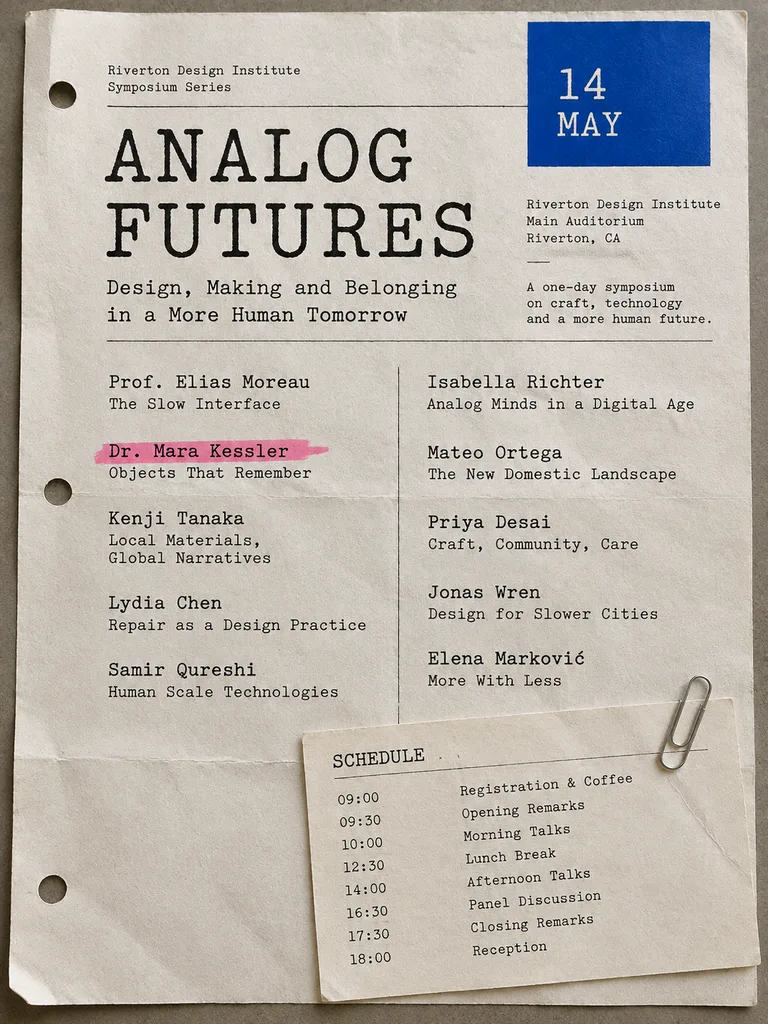 Before
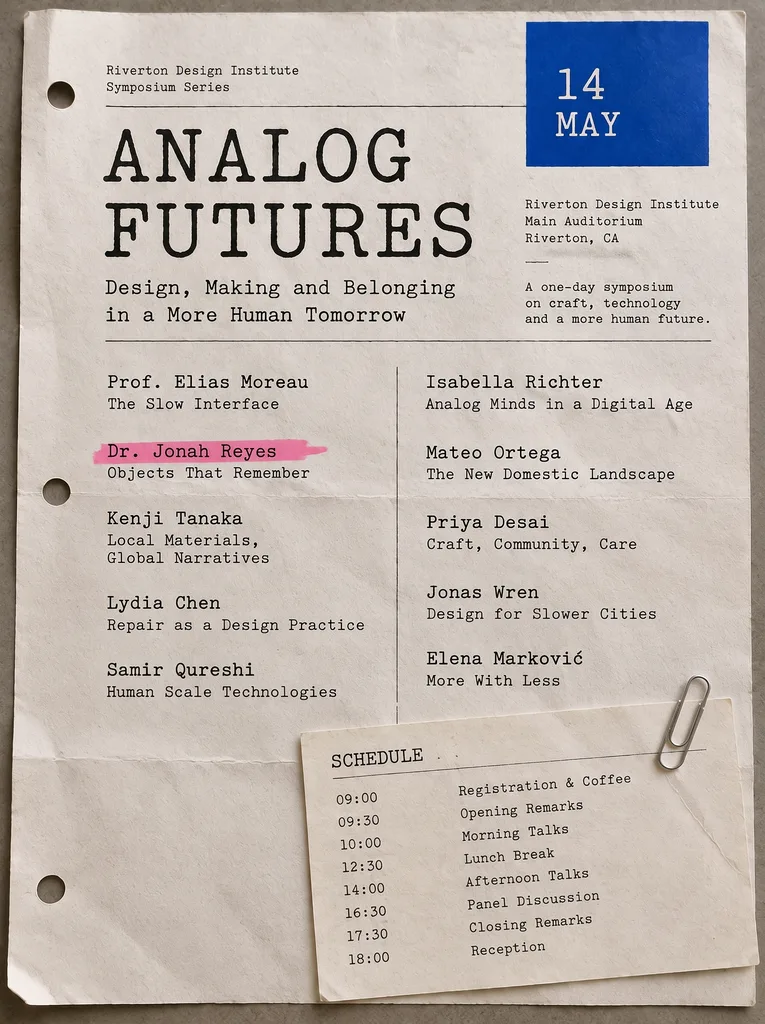 After
Event programs
A speaker changed, a name is misspelled, or the schedule moved — and the program is already laid out. Fix it straight on the finished page, keeping the typewriter face, the highlighter stroke and the paper texture exactly as they were. Only the exported file left? Editing a flat JPG works the same way.
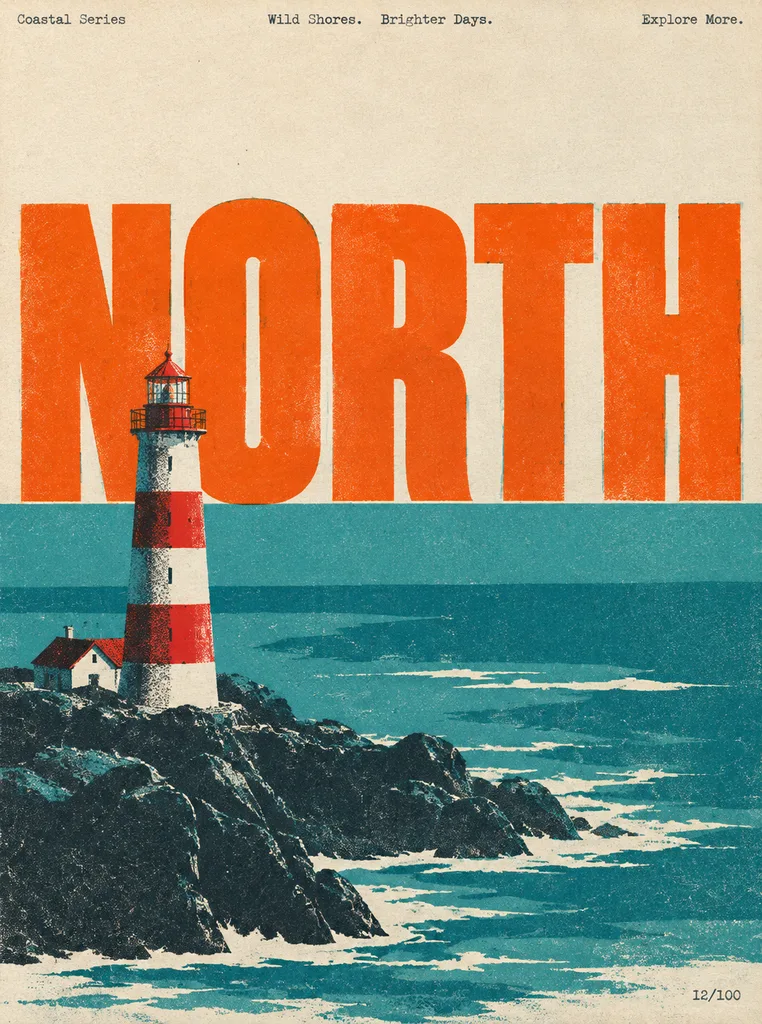 Before
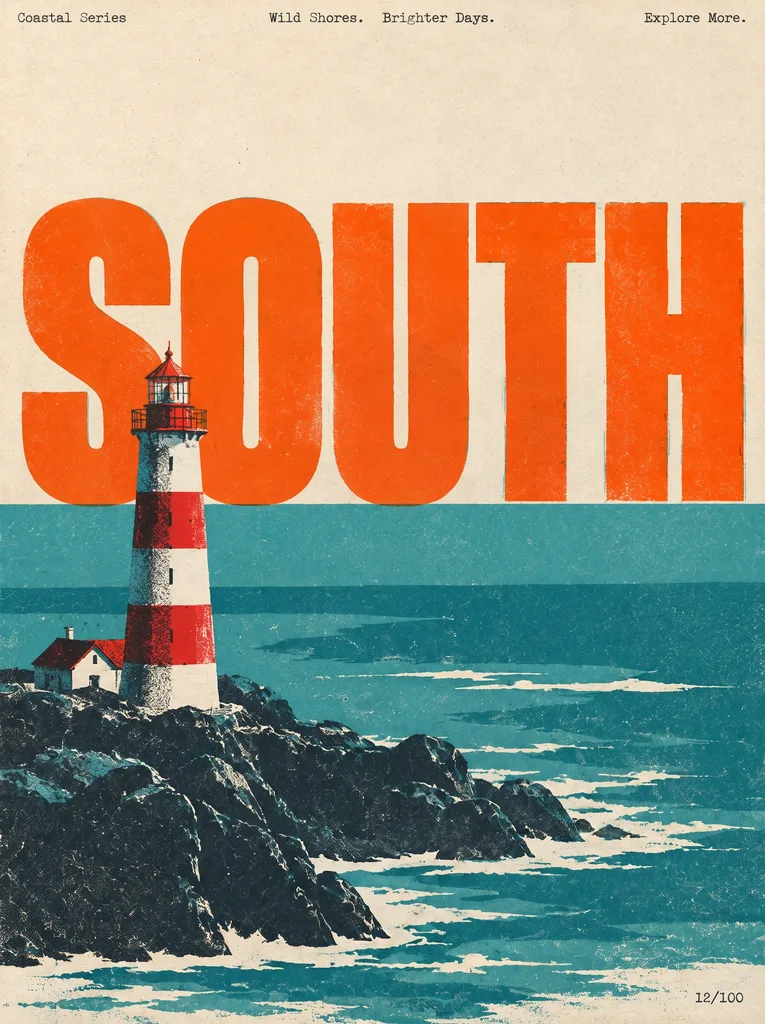 After
Posters and flyers
A poster series shares one design and changes one word per edition — or the date moved and your designer is offline. Update the text right on the finished poster without reopening the design file. More poster and flyer examples, from concept posters to announcement series.
 Before
 After
App screenshots
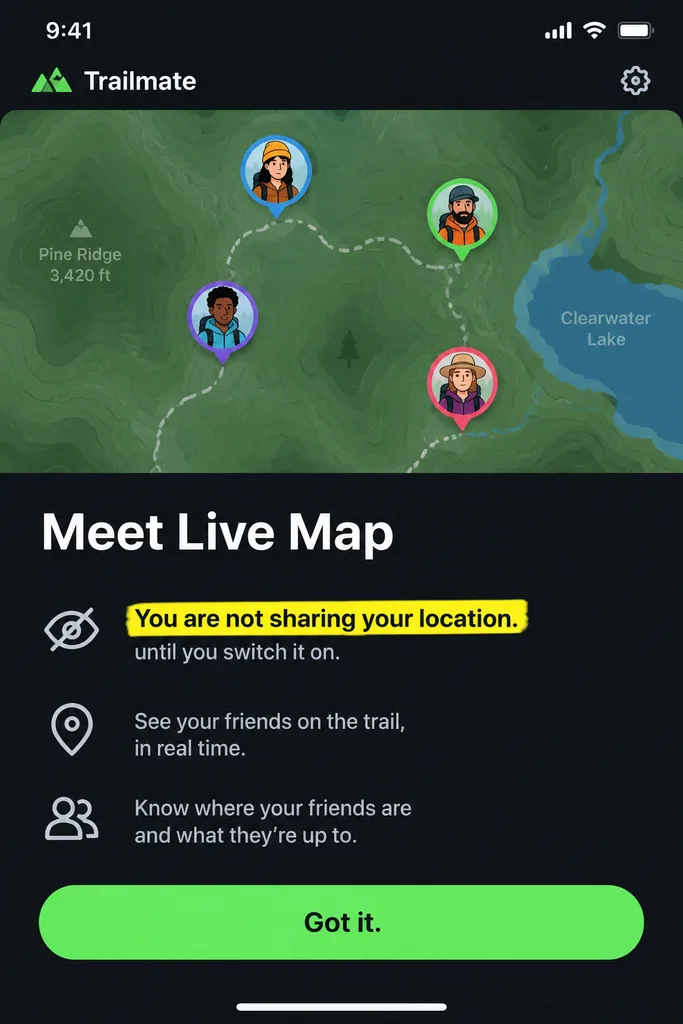
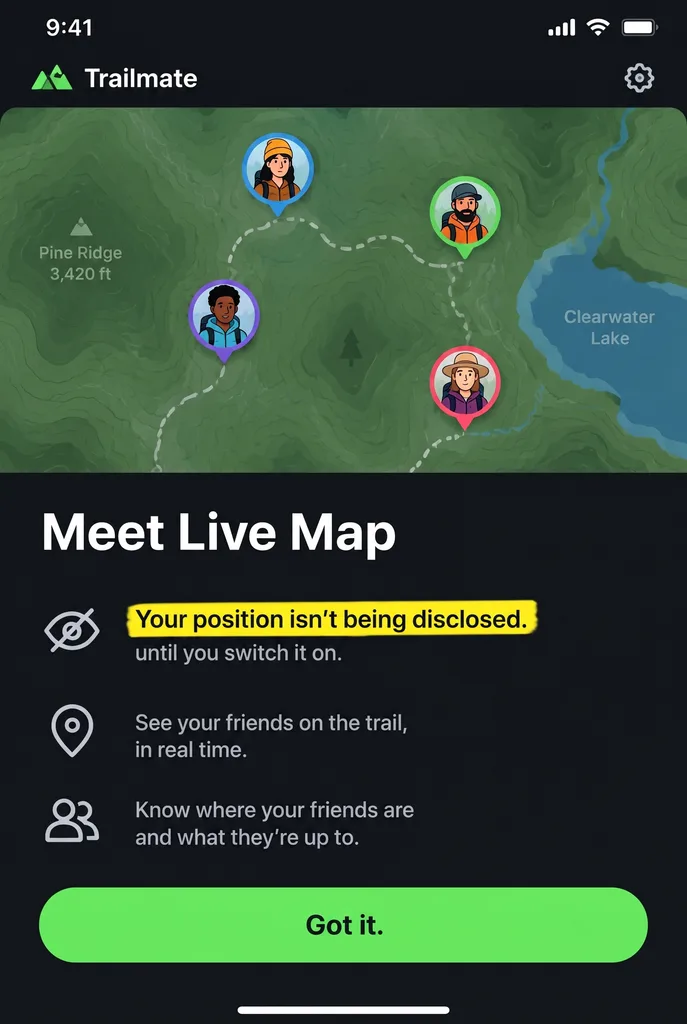
Legal rewrote one sentence after the announcement screenshots were exported. Instead of re-staging the app, change the line on the screenshot you already have — the map, the avatars, the button and the highlight stay as they were. See how screenshot edits keep the UI untouched.
 Before
 After
Product photos
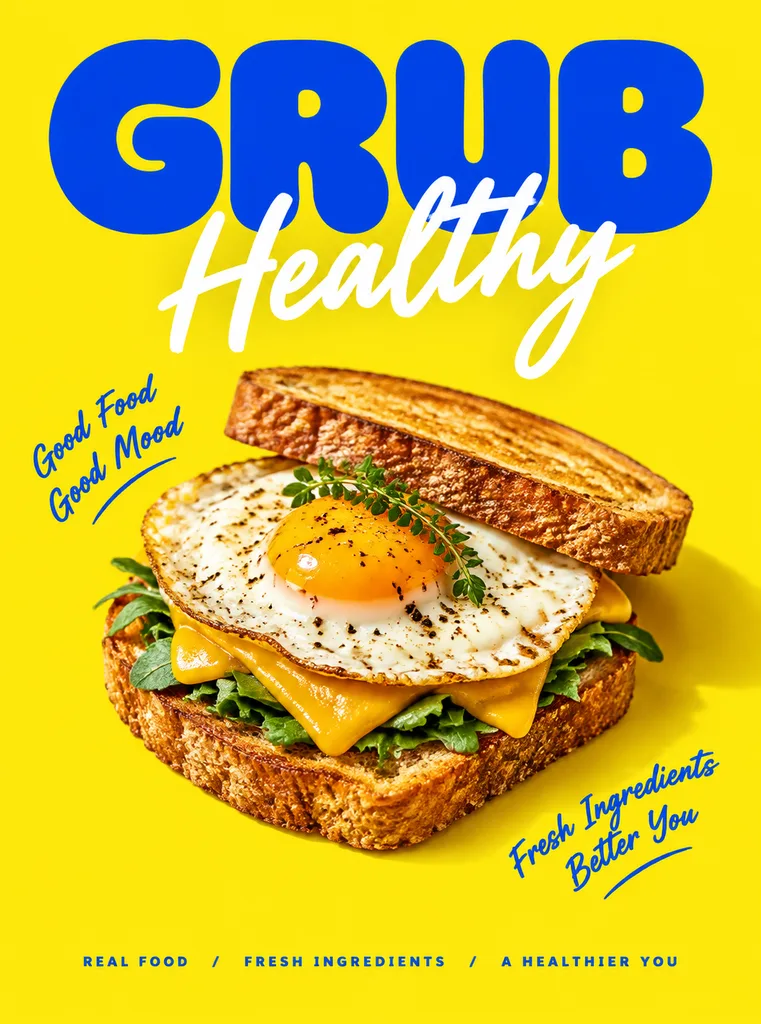
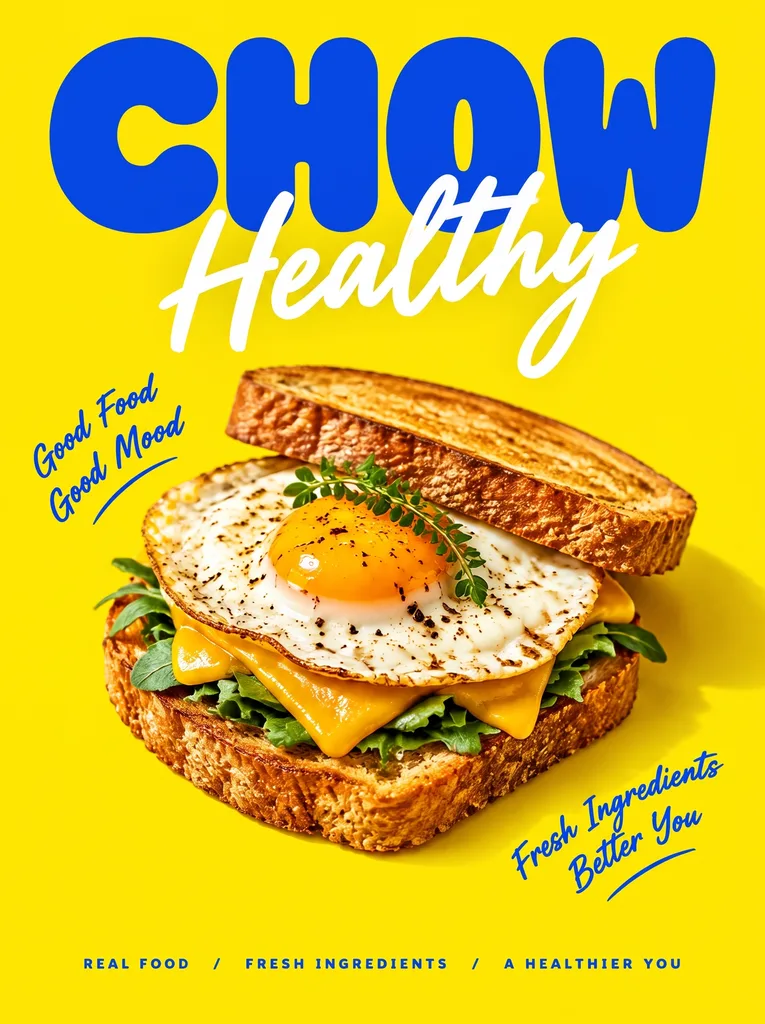
The promotion changed but the product shot didn't. Update the offer on the photo you already have instead of booking another shoot or waiting for the designer. More product-photo examples, including marketplace listing images.
 Before
 After
Ad creative
Test different headlines across your campaigns without waiting for a designer. Swap the headline, run the A/B experiment, and let the data decide which copy wins. Here is how the AI matches a typeface you don't have installed.
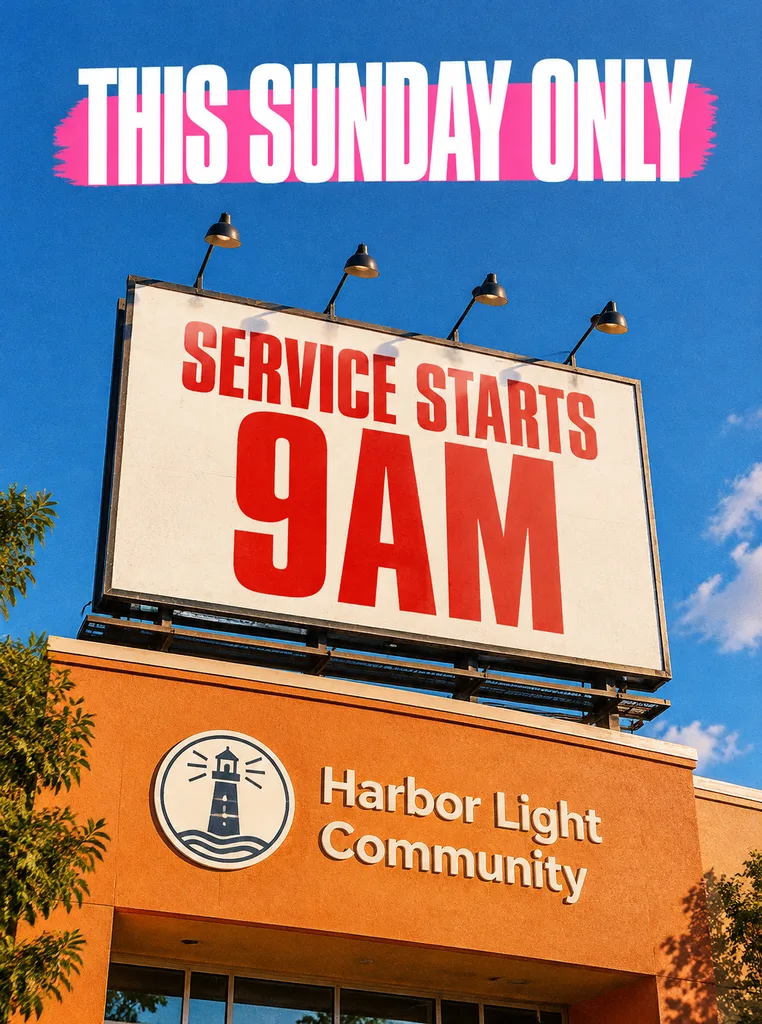 Before
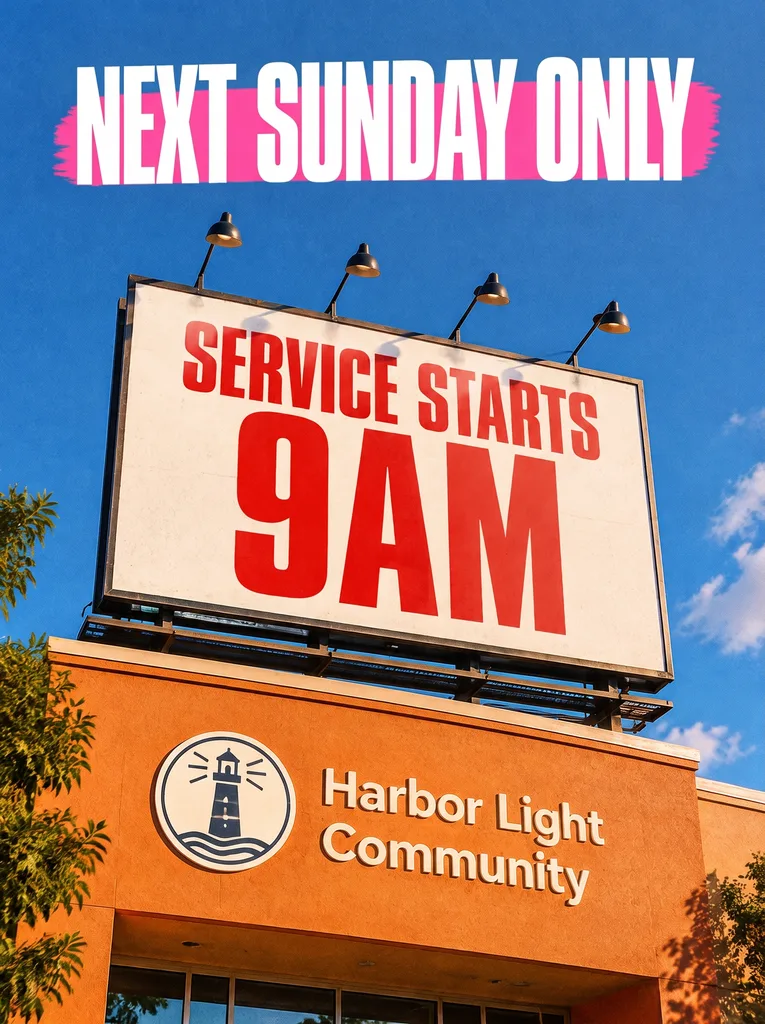 After
Reusing event materials
The event moved a week but the artwork is already printed, posted and approved. Change the date line on the finished image instead of paying for a new design. Replacing words in a photo covers what the free edit includes.
What is EditText?
EditText is an online AI tool that lets you edit text in image files without Photoshop or design skills. You upload a poster, product label, screenshot or event program, type the words that are there and the words that should replace them, and the model redraws only those letters, matching the surrounding font, color, size, perspective and background. Most people edit text in image exports to fix a typo after the fact, update a price or a date, or put a finished graphic into another language.
Start from the job you have.
Each page below has the AI image text editor built in, with examples and limits for that kind of image. Longer write-ups live on the blog.
Keep the original font
When matching the typeface is the whole point: brand headlines, display type, lettering you can't install.
Edit text in a screenshot
App and web captures, where the UI font, icons and status bar have to stay exactly as they were.
Replace text in a photo
Words inside a photograph — a sign, a label, a printed banner — and what the free edit includes.
Translate a phrase in an image
Enter the original phrase, choose a supported language and translate that phrase while aiming to match the existing style.
Remove text from an image
Enter the words to remove and the AI attempts to reconstruct the background. One supplied phrase per edit; 1 credit per run.
Blur or pixelate text
Hide names and numbers with blur, pixelation or a black box. It runs in your browser; nothing is uploaded.
Fix text in AI-generated images
Garbled or misspelled words from Midjourney, DALL·E or Stable Diffusion, corrected in place.
Edit a flat JPG
A camera-roll photo or an old export where no layered file survives.
Posters and flyers
Change a date, a name or the headline on a finished poster without reopening the design file.
Product photos
Update a price, an offer or a label on listing images you have already shot.
Game and stylised fonts
Game UI and decorative lettering that no font file reproduces.
Logo text
Change the wording of a logo or wordmark without rebuilding the mark.
How to edit text in an image — 3 simple steps.
No design skills needed: to edit text in image online, you upload, type and download. Processing time varies; review the result before using it.
Simple pricing.
No subscription.
See full pricing →When is EditText not the right tool?
EditText does one job: it lets you edit text in image files that already exist and leaves everything else alone. Outside that job, another tool or approach will serve you better.
Designing a graphic from scratch
EditText changes text that is already in an image. To lay out new text on a blank canvas, a design tool such as Canva fits better — here is how the two compare.
Tiny or pixel-art text
Text only a few pixels tall is the hardest case, because there is no room to redraw a letter cleanly. Upload the highest-resolution version you have and check the result closely.
A few letters inside a longer word
Type the whole word as it appears, and the whole word as it should read. Given only part of a word, the AI can't always tell where the change should stop — most noticeably in connected scripts such as Arabic and Persian.
PDFs and multi-page documents
Uploads are single PNG, JPEG or WebP images up to 10 MB. Export the page you need as an image first.
Very wide or very tall images on Pro
Pro handles images between 1:3 and 3:1. Panoramas and long strips beyond that work on Fast, which has no shape limit.
Identity and official documents
As a rule, we don’t support edits to identity or official documents — passports, ID cards, certificates, bank statements and similar records. The details are in our Acceptable Use Policy.
Frequently asked questions about editing text in images.
Answers to the questions people ask before their first edit.
How do I edit text in image online?+
Upload your image to EditText, type the original text and its replacement, then click Generate. Our AI replaces it while preserving the original font, color, size, perspective and background — no Photoshop needed.
Is EditText connected to other image text editors?+
EditText is an independent product at edittext.net. Accounts, payments and credits from other websites are separate.
What's the best AI tool to change text in an image?+
It depends on the job: EditText is built to replace words that are already in a finished image and leave everything else alone. To lay out new text on a blank canvas, Canva fits better; to edit a layered file with live text, use Photoshop or the original design file. To edit text in image exports that have no source file, such as a flat PNG, JPEG or screenshot, a text-replacement tool like this one is the shorter route.
How can I change text in an image without affecting the background?+
Type the original words and the replacement. The AI aims to rebuild the text area in the existing style, and the editor attempts to restore surrounding areas when its image-difference check can do so safely. This is approximate, so compare textures, edges and nearby text at full size. If exact preservation is essential, work from the original layered file.
How do I replace text in an image seamlessly, without visible editing marks?+
To replace text in an image without visible marks, give the AI the exact original text and the exact replacement; it matches the font style, colour, size, lighting and perspective of the words it replaces. At normal viewing size the edit is usually invisible. If a letter looks off when you zoom in, run it again from the latest result; heavily stylised lettering and very small text are the cases that most often need a second pass.
Is there an AI tool that keeps the original font when replacing text?+
Yes: when you edit text in image headlines, logos or labels, EditText samples the look of the existing letters from the image itself, so it doesn't need the font file and doesn't ask you to name the font. That works for paid and custom typefaces too. Decorative or distorted display lettering is the hardest case. See the same-font page for real before-and-after examples.
How can I change text on a poster without changing its design?+
Upload the exported poster or flyer, type the word, date or line as it reads now and as it should read, and generate. The layout, colours and artwork around it stay as they were, and it works without the original design file. Only edit posters you made or are licensed to change. A poster with several fields to update takes several runs, one change at a time.
Can I replace text in a photo on my phone?+
Yes. EditText works in your mobile browser without installing an app. Upload a clear image, enter the original and replacement text, then download your result.
Can I change Chinese text in an image to English and keep the layout?+
Yes. Choose Translate, enter the phrase in your image and select the target language. Check the translation, lettering and background before publishing.
Do I need to sign up to replace text in an image for free?+
A free account is needed, and you can register with your email. Every new account gets 1 free credit, enough for one text replacement at 1K, with no credit card required. There is no way to use the editor anonymously, because each edit runs on paid AI compute.
Can I edit text in an image for free?+
Yes. You can edit text in image uploads for free with the 1 free credit every new account gets. The free credit renders one text replacement at 1K (~1024px on the long edge); a credit pack renders the same edit at 2K. No credit card required to start.
What types of images can I edit text in?+
You can edit text in image files of most kinds: posters, product packaging, screenshots, menus, signs, social media graphics and documents. Any image with clear, legible text works well. Handwriting and heavily stylized scripts are harder.
Is it better than Photoshop for changing text?+
For simple text replacement, yes. In Photoshop, to edit text in image files that are already flattened, you do the content-aware fill, font matching and perspective correction by hand. EditText does all of that automatically — you just type the new text.
Do credits expire?+
No. Credits never expire. Buy a credit pack, use them whenever you need them — days, weeks or months later.
What if the result doesn't look right?+
Failed generations are automatically detected and refunded back to your credit balance. You only pay for successful results.
Can I use the results commercially?+
Yes. You own full commercial rights to every image you generate. Use them freely in ads, packaging, websites and print materials.
What can't I edit?+
Please don't upload copyrighted work you don't own, government-issued IDs, official or stamped documents (contracts with seals, diplomas, notarized documents, bank statements), currency, NSFW content, or edits intended to deceive — like fake quotes on real people's social media. See our Acceptable Use Policy for the full list.