
Remove text from image.
Enter the words. Rebuild their background.
Enter the caption, label or price exactly as it appears. AI attempts to remove that phrase and reconstruct its background. Review the result before use.
Only the words entered above will be removed. Background reconstruction is approximate. For private information, use the local black-box tool instead.
No credit card required to start. Sign in for a free edit.
By clicking Generate, you confirm you own or are licensed to edit this image and that the edit is not intended to deceive a third party — including fake refund or transaction proofs and email or chat screenshots altered to falsify sender, content, or timestamp.
We do not process IDs, passports, certificates, bank records, receipts, payment proofs or chat screenshots. See our Acceptable Use Policy.
To remove text from image files, upload a PNG, JPEG or WebP image, enter the exact words in Original text and click Generate. The AI attempts to remove that phrase and reconstruct its background. Each run uses 1 credit; a new account receives one free credit to try it. Flat colours and soft backgrounds are usually easier to review than detailed repeating textures.
What removing text from a picture actually does
Removing text from an image means reconstructing the pixels covered by the old letters. Upload a supported image and type one phrase exactly as it appears. The model attempts to remove that phrase and fill the area using the surrounding texture and lighting. It is not a brush or mask editor, and exact preservation is not guaranteed. Check the result before downloading it for use.
The model attempts to remove the supplied phrase and reconstruct its background. Other details may change. Compare the result at full size; for private information, use the browser-only black-box tool rather than relying on AI removal.
It is the right tool when the picture should look as if the text was never there. If you want different words in the same place, replace the text instead; if you only need a name or number to be unreadable in a screenshot, blurring it is quicker and free.
Where it works well, and where it struggles
- ·Flat colour, gradients, sky, studio backdrops: the easiest cases. There is no structure a viewer can check, so the rebuilt area simply looks like more of the same.
- ·Fine texture such as paper, wood or concrete: convincing at normal size. Zoom right in and the grain is similar rather than identical.
- ·Strong repeating patterns such as brick, knit, tiles or halftone: the hardest. A break in the rhythm stands out even when the colours match.
- ·Text across a face, a hand or the product itself: the model has to invent what was hidden. Check these results closely, and expect a retry or two.
- ·Text covering most of the picture: large text areas require more reconstructed detail. Edit one supplied phrase at a time and inspect the result before continuing.
Three images, cleaned up in one pass
Each started with text that was right once and wrong now, and no source file to fix it in.
 Before
 After
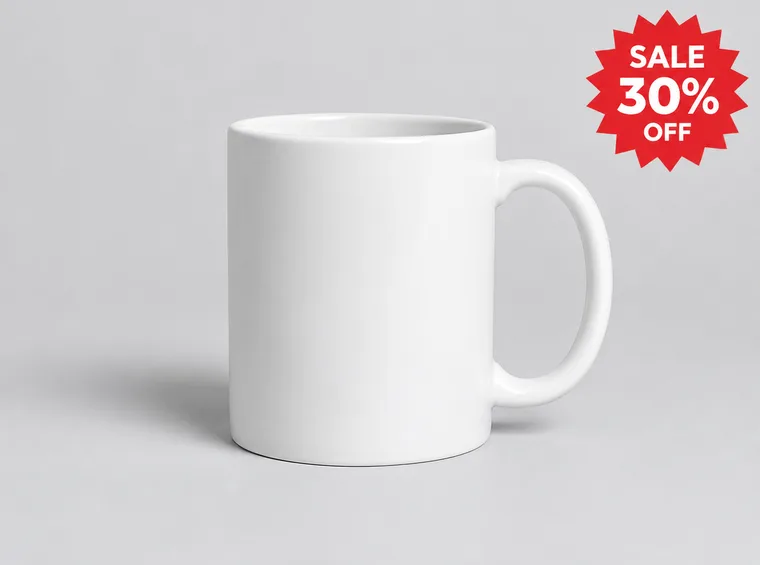
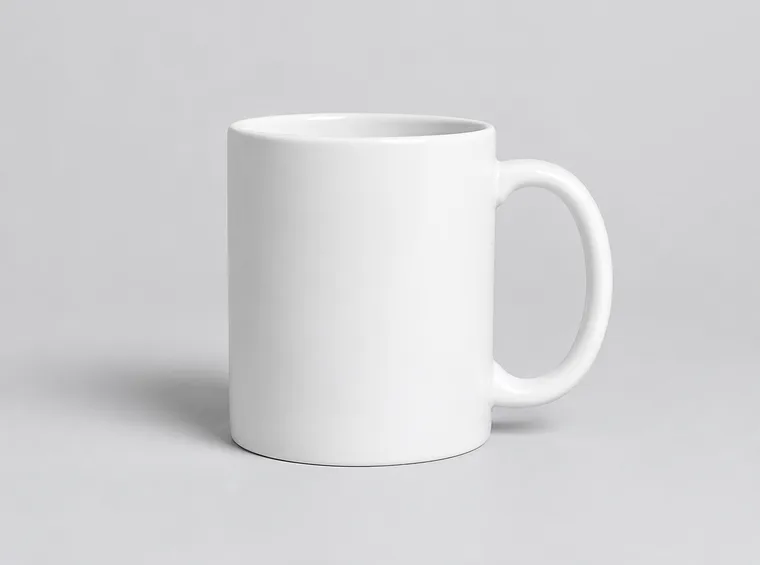
An old promo sticker on a product photo
Last season’s product shot carries a “SALE 30% OFF” label, but the new listing needs a clean photo. Enter the text you want removed and generate. The AI attempts to rebuild the area behind the letters; decorative badges and other non-text shapes may remain. Inspect the product and backdrop before publishing.
 Before
 After
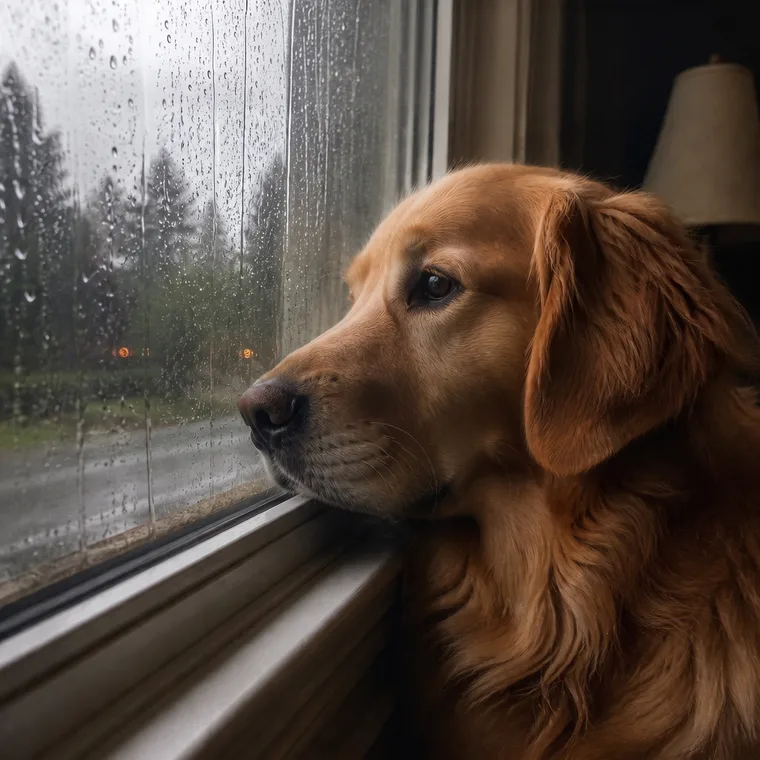
A meme template with someone else's caption
The reaction image already contains a caption across the top. Enter that phrase in Original text and generate a removal. Inspect the character art and reconstructed background before using it as a blank template. Only edit images you own or have permission to adapt.
 Before
 After
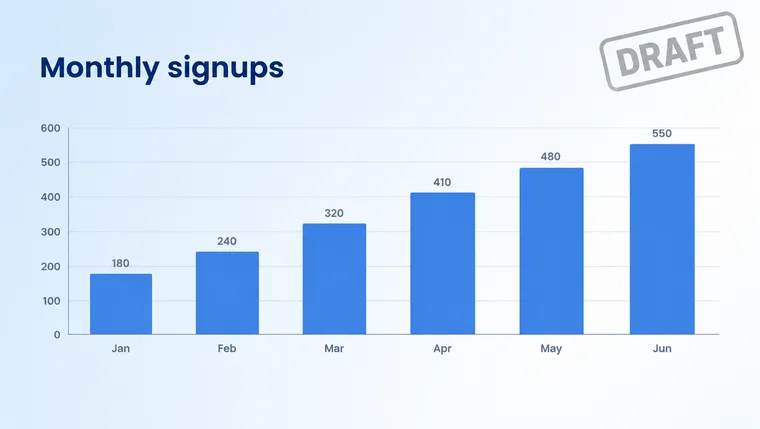
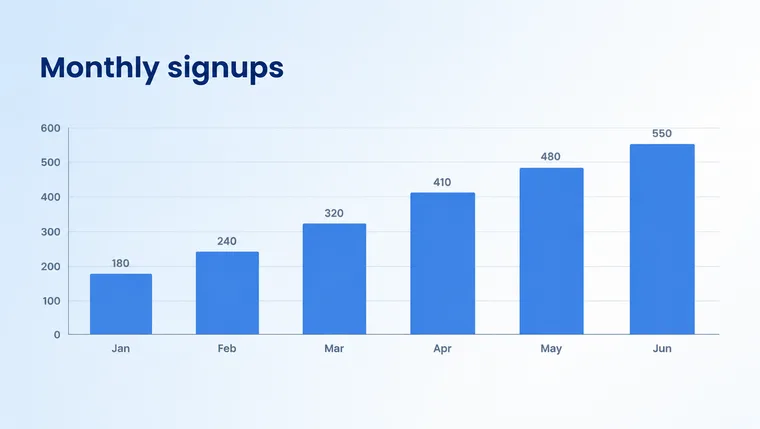
A "DRAFT" label on an exported slide
Your own chart export still has a “DRAFT” label from review. Enter that exact word and generate a removal. The model attempts to match the slide background where the text was, but chart lines and nearby labels need checking before the image is used.
How to remove words from a picture
- Sign in and upload one PNG, JPEG or WebP image up to 10 MB. Convert HEIC or a PDF page to a supported image format first.
- Upload a PNG, JPEG or WebP image up to 10 MB, enter the exact phrase you want removed and click Generate. The model attempts to reconstruct the covered background. Each run uses 1 credit. There is no brush selection: work one phrase at a time, and compare details around the removed text before using the result.
- Click Generate to submit the removal for 1 credit. Processing time varies. Compare the image with the source and download it when you are satisfied; another generation uses another credit.
Frequently asked questions
How do I remove text from a picture?+
Upload a PNG, JPEG or WebP image up to 10 MB, enter the exact phrase you want removed and click Generate. The model attempts to reconstruct the covered background. Each run uses 1 credit. There is no brush selection: work one phrase at a time, and compare details around the removed text before using the result.
How can I remove text from a picture for free?+
New accounts receive one free credit, which can be used for one Fast 1K removal. Every removal uses 1 credit, and a failed generation returns that credit automatically. There is no daily free-removal allowance. For an entirely manual option, tools such as Photopea or GIMP let you paint or clone over text yourself; matching a complex photographic background still takes care.
How to remove text from image without removing background?+
Enter the exact words you want removed, and review the model’s attempt to reconstruct their background. Flat colours and soft backgrounds can be easier to rebuild than repeating patterns, faces or fine detail. The surrounding image can change, so compare it with the source. If the text is sensitive, use the local black-box tool instead of relying on AI removal.
How to remove text from image on Illustrator?+
Only if the text is vector. If it is live type or outlined shapes, select it with the Selection tool and delete it. If the text is part of a placed photo or a flattened image, Illustrator cannot rebuild the pixels behind it: remove the text in Photoshop or an AI remover like this one first, then place the cleaned image back into your artwork.
How to remove text from image in Photoshop?+
Use the Remove tool: pick it from the toolbar, set the brush a little larger than the letters, and paint over the text; Photoshop fills the area from the surrounding pixels. For a block of text on a plain background, select it with the Lasso tool and use Edit, Content-Aware Fill instead. Both need Photoshop and some cleanup by hand on textured backgrounds.
Can I remove the text and put my own text in the same place?+
Yes, but you don't need two steps. The main editor replaces text directly: you type the words that are there and the words you want, and the new text is drawn in the original style. Remove first only when you want the area empty, for example a blank meme template or a product photo without any label.
Can I use this to remove a watermark?+
Not on someone else's image. Removing watermarks, photographer credits or signatures from work you don't own breaks our Acceptable Use Policy and, in many countries, copyright law. Removing your own branding from your own photos, or text you added yourself, is fine.
Is it better to remove text or blur it?+
Remove it when the picture should look as if the text was never there, as on product photos, slides and memes. Blur or black it out when you're sharing a screenshot and only need a name or number to be unreadable: that's faster, free, happens in your browser, and doesn't depend on how well a background was rebuilt.
“What's the easiest way to remove text from a photo without damaging the background?”
When the label needs new words rather than none: type old and new, and the new text comes out in the original style.
A surface-by-surface guide to judging a reconstructed background and comparing it with the source before you publish the image.
For screenshots you’re sharing: blur, pixelate or black out details in your browser, free, without uploading the image.
Further reading
- Adobe HelpRemove objects from images in Photoshop↗
Adobe's guide to the Remove tool, the manual equivalent of painting over text: brush over the area and Photoshop fills it from the surrounding pixels.
- GIMP DocumentationThe Heal tool↗
How the free desktop editor blends sampled pixels over an area, the classic way to remove small text from a photo by hand.
- Google Photos HelpEdit your photos, including Magic Eraser↗
Google's on-phone eraser for distractions in photos. Useful to compare: it is built for objects and people, while this tool is tuned for lettering.
Get the clean version back.
Remove text nowOnly remove text from images you own or have permission to edit. Removing watermarks, credits or signatures from other people’s work, or altering documents and records, is not allowed. See our Acceptable Use Policy.