
Edit text in handwritten notes.
For your own personal notes only.
This page is for editing text in your own handwritten notes — lecture notes, journal entries, recipe cards, personal lists, study sheets. It is strictly not for editing handwritten signatures, handwritten contracts, handwritten checks, handwritten medical notes, handwritten witness statements, or any document where the handwriting belongs to someone else or where the resulting edit could be presented to a third party as authentic. Violations terminate the account without refund and request logs may be shared with law enforcement.
No credit card required to start. Sign in for a free edit.
By clicking Generate, you confirm you own or are licensed to edit this image and that the edit is not intended to deceive a third party — including fake refund or transaction proofs and email or chat screenshots altered to falsify sender, content, or timestamp.
We do not process IDs, passports, certificates, bank records, receipts, payment proofs or chat screenshots. See our Acceptable Use Policy.
Edit text in handwritten image replaces chalkboard, calligraphy or hand-lettered text in place; the AI samples the original ink pressure, slant and texture from the pixels so the new word reads as the same hand wrote it. For your own notes, café signage, brand assets and creative work.
Three real scenarios for editing your own handwritten notes.
Each case is on the «personal notes you authored yourself» side of the line — the one this tool exists for. Anything else (signatures, contracts, others' handwriting) is out of scope.
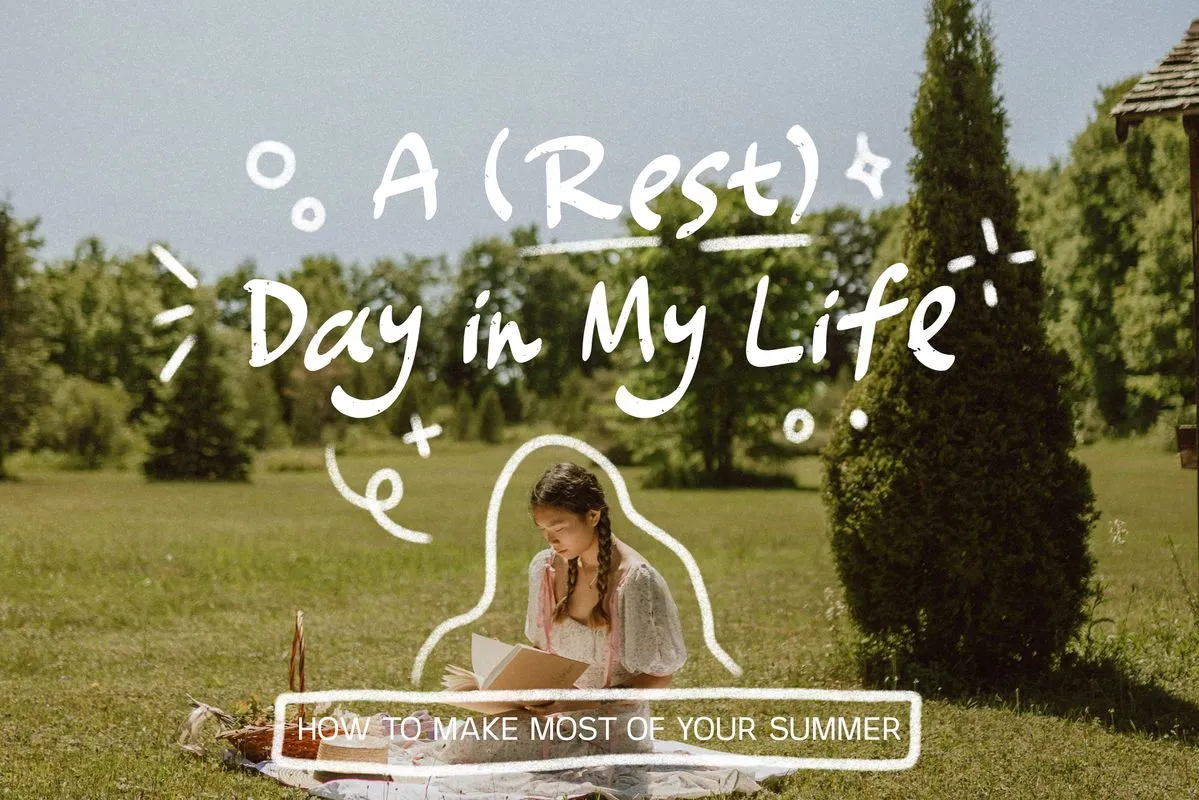 Before
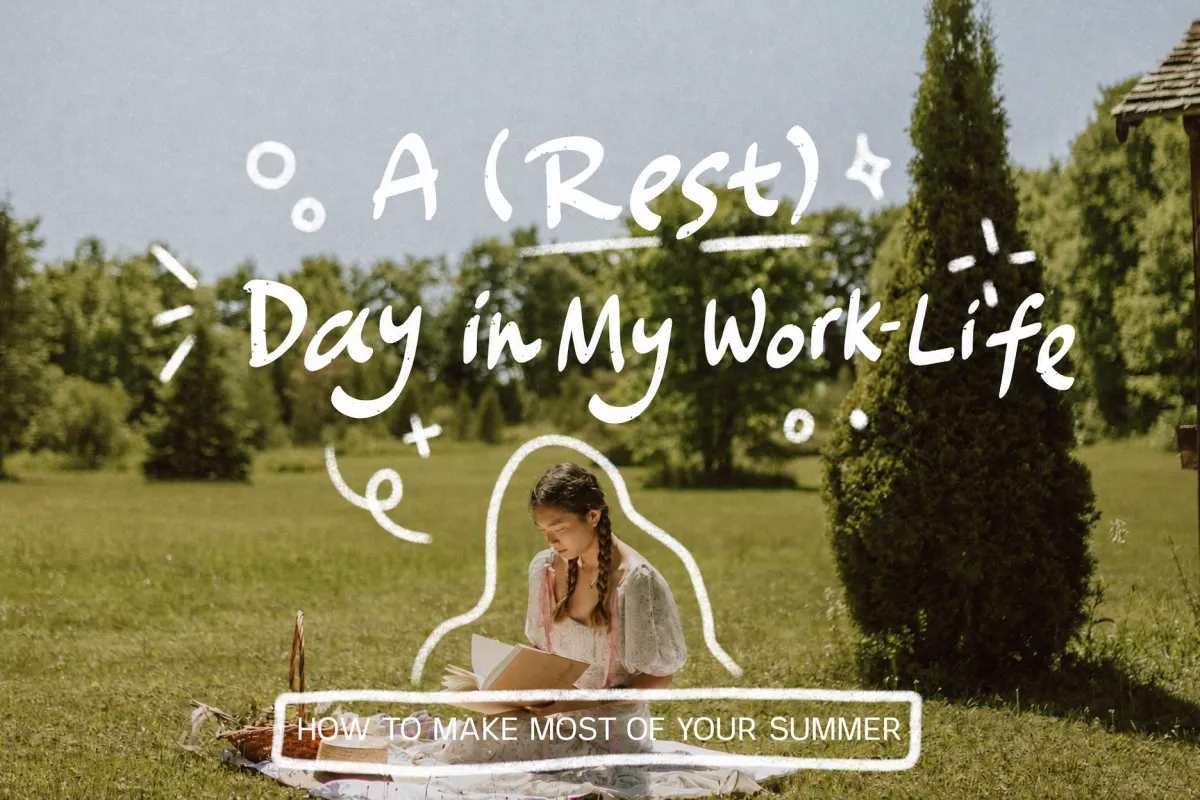 After
Edit text in handwritten lecture notes — fix a transcription typo before reposting
You photographed your handwriting from a chemistry lecture and posted the image to your Notion study page. A classmate spots that you wrote «mol/L» where the formula needed «mmol/L». Reopening the notebook to white-out and rewrite is fine for the original, but the photo on Notion is what your study group sees. Patch the digital photo using AI, re-upload — the AI keeps your slant, ink color and pen pressure consistent.
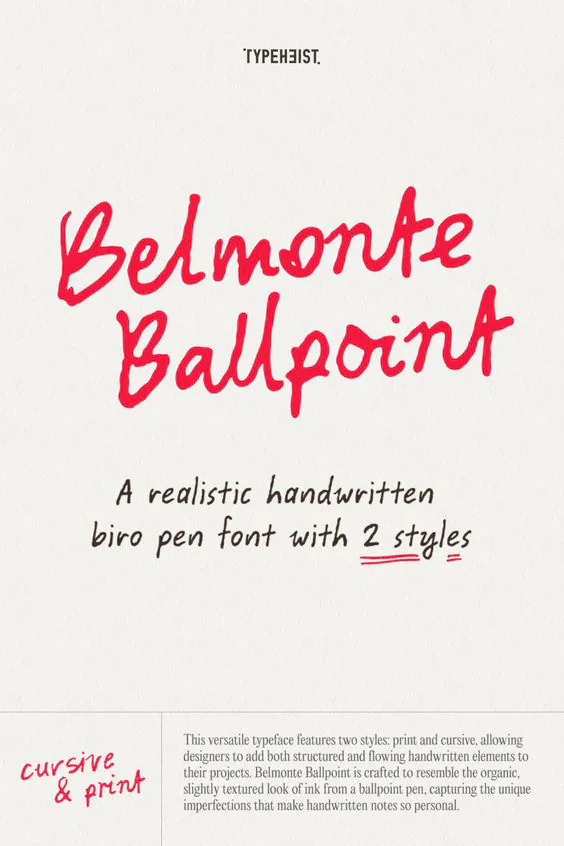 Before
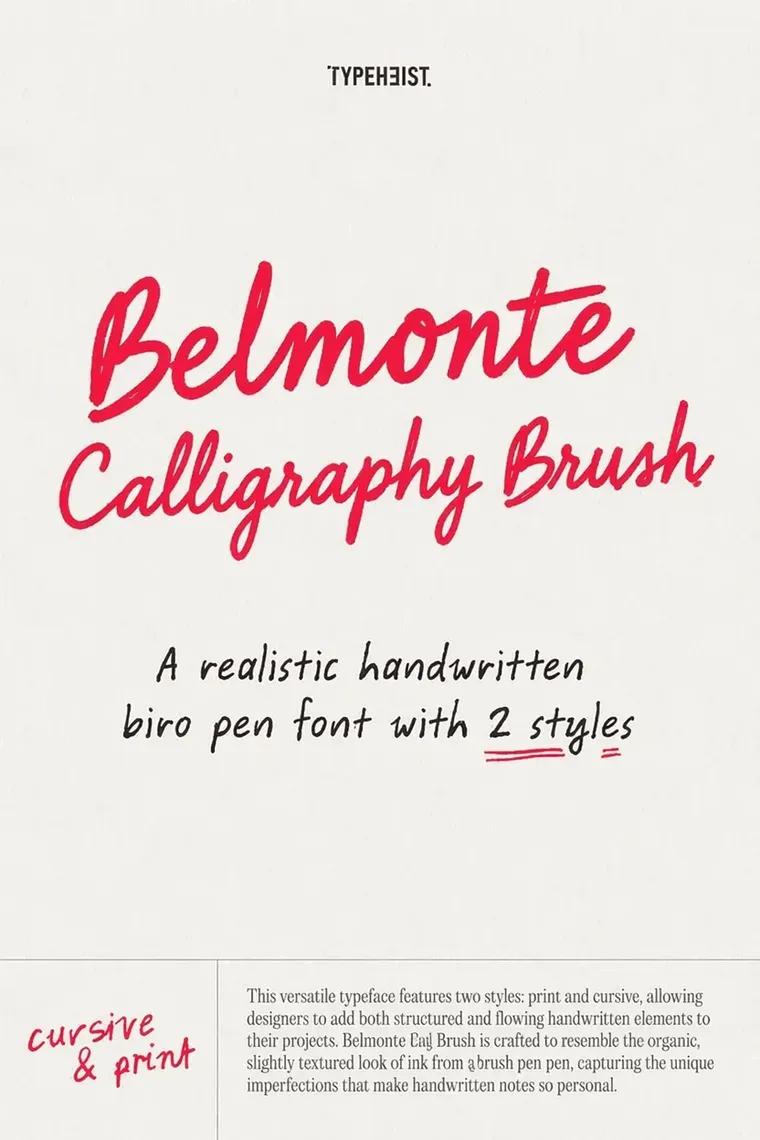 After
Edit text in handwritten type specimen — retitle the promo for the next style in the family
A type designer ships one specimen layout per style in the family: same paper texture, same red-on-cream palette, same body copy block at the bottom. The title is set in the handwritten face being sold, so retyping it means opening the source, activating that exact weight and re-fitting two lines of script to the same optical center. Edit text in handwritten specimens directly on the exported image and the ink texture, the stroke pressure and the slight baseline drift carry over to the new title.
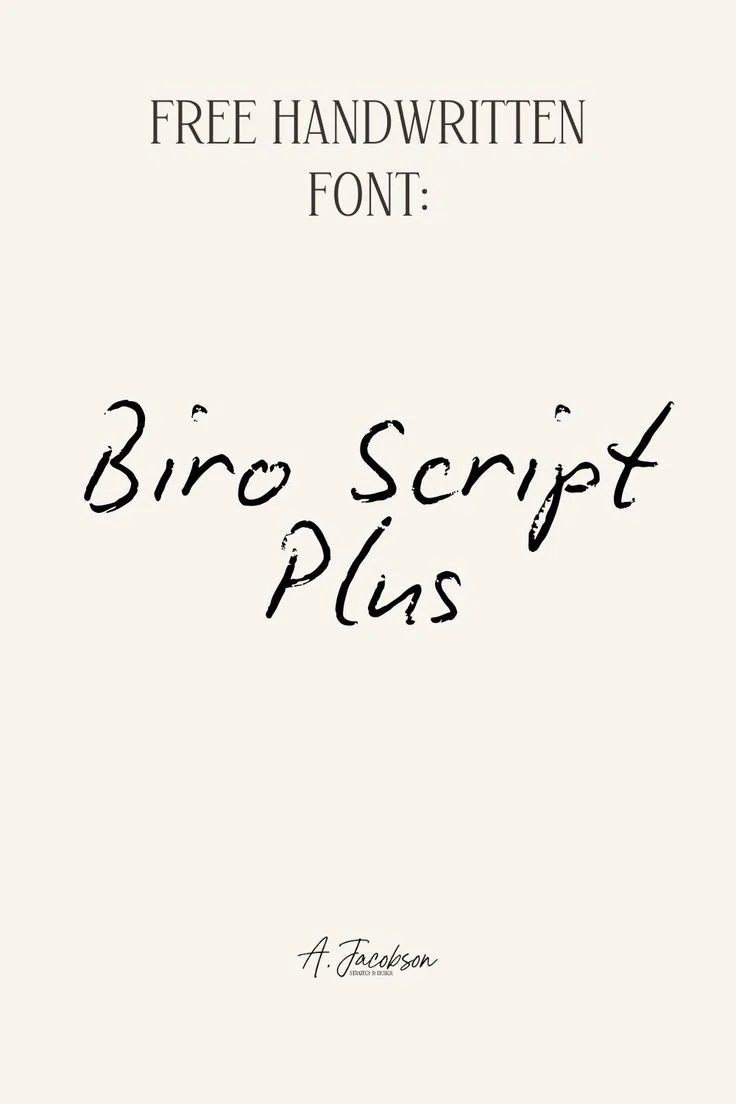 Before
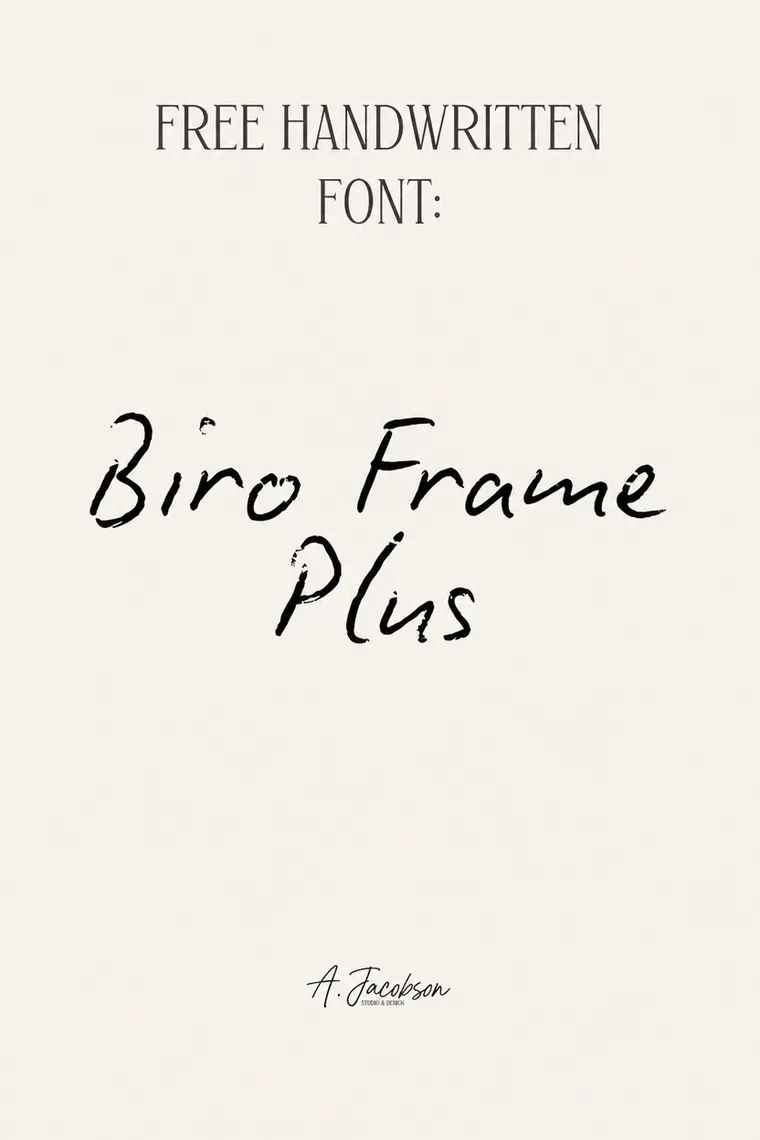 After
Edit text in handwritten specimen card — rename a variant without redrawing the lettering
The specimen card is deliberately sparse: a thin serif label at the top, the studio signature at the bottom, and one dry-brush wordmark filling the middle. That wordmark is the product — the flecks, the broken edges and the ink starvation where the brush ran dry are what a buyer is judging. Retyping it produces clean letterforms that no longer look like the font. Edit text in handwritten lettering in place and the new name keeps the same worn brush texture.
What does it mean to edit text in handwritten notes?
To edit text in handwritten notesis to replace words on a scanned or photographed page of personal handwriting while preserving the original handwriting style — the slant, the letterforms, the pen pressure variations, the ink color. The AI samples the surrounding handwriting from the same page and re-renders the new words in a visually consistent manner. The use cases this page exists for: fixing a typo in a journal entry before sharing, updating a recipe card’s ingredient quantity, correcting a factual error in lecture notes you’re reposting on Notion, updating a personal study sheet for a new exam version. Anything beyond personal-notes territory is out of scope.
What this tool will NOT do
- ·Signatures.Will not edit handwritten signatures — yours or anyone else’s. Forging a signature is illegal in every jurisdiction we operate in. Uploads containing what appears to be a signature are removed on detection and the account may be suspended.
- ·Contracts, agreements, legal documents. Handwritten or otherwise. Use the original document and the proper amendment process.
- ·Medical or therapeutic records.Handwritten doctor’s notes, prescriptions, dosage instructions, therapy notes — strictly off-limits.
- ·Witness statements, affidavits, court filings. Whether sworn or not, in any jurisdiction.
- ·Letters or notes ostensibly written by someone else. If the handwriting isn’t yours, do not edit it. This includes love letters, notes from family members, historical documents and any handwriting being passed off as someone’s own.
- ·Diaries or journals being submitted as evidence. In any legal, immigration, or insurance proceeding.
See our Acceptable Use Policy for the complete list. By uploading you accept full civil and criminal responsibility for the edit and its downstream use.
Four legitimate handwritten-image edit scenarios
Editing text in a handwritten image is legitimate for your own notes, your own creative work, and your own customer-facing assets where the text content is descriptive rather than evidentiary. These are the recurring situations where editing handwritten letters in place is faster and cleaner than re-photographing the original document.
1. Café chalkboard daily-special refresh
Your café’s hand-lettered chalkboard was photographed in perfect afternoon light for the social-media hero shot. The daily special rotates. Edit text in the handwritten chalkboard photo to swap «Today: Honey-Lavender Latte» for «Today: Brown-Butter Mocha» without re-lettering the board, re-staging the shot, or waiting for the same light tomorrow afternoon.
2. Hand-lettered greeting card or invitation personalization
A calligrapher hand-lettered your wedding invitation template. The base design — the swoops, the watercolor background, the gold-leaf flourishes — is reusable; only the guest name, the date, or the dietary preference line changes. Edit text in the handwritten image per guest without commissioning the calligrapher again.
3. Hand-drawn product packaging or label update
Indie soap, coffee bean, ceramic and natural-cosmetic brands often use hand-lettered labels because the imperfect lettering signals craft. When you launch a new flavor or bean origin, the label design stays; only the flavor name or origin country changes. Edit text in the handwritten label in place to keep the brand’s craft aesthetic without re-photographing the new label batch.
4. Personal-journal page repair for printed memoirs
You’re printing a private memoir or family history that reproduces handwritten journal pages. A misspelled place name from 1987 should be fixed for the print run while keeping the original handwriting style. Edit text in the handwritten page in place — the AI matches the journal-writer’s hand — so the corrected page reads as if the original writer had spelled it right the first time.
FAQ — edit text in handwritten notes
How do I edit text in my own handwritten lecture notes?+
Photograph or scan the page (PNG, JPEG or WebP, up to 10 MB). Upload, type the original word or phrase as it appears in your handwriting, type the replacement, download. The AI samples handwriting style — slant, letterform, pen pressure — from the surrounding page and renders the new text in a consistent style. Best results on clear, well-lit page photos.
Will the AI exactly match my handwriting style?+
Close, not perfect. The model samples letterform shape, slant, ink color and approximate pen pressure from the page, then renders the new text using a learned handwriting style guided by those signals. A reader who knows your handwriting well may notice the difference; a casual reader generally won’t. For high-stakes pages — anything you’d want to look 100% authentic — handwrite the correction yourself.
Can I use this to fix a typo in a recipe card I’m sharing on Instagram?+
Yes — that’s exactly the use case. Personal recipe cards, journal entries you’re sharing, study sheets — all within scope. Anything where the page is yours and the edit is for your own publishing.
Why does this page have so many warnings?+
Handwriting is a high-trust medium — readers assume a handwritten document was personally written by the named author. That trust makes any edit potentially deceptive in ways an edit to typed text isn’t. The warnings exist so you understand the line between “tidy up my own notes” (fine) and “create a forged handwritten letter” (not fine, illegal in most jurisdictions, terminates your account).
Is editing my own handwritten notes legal?+
Yes — your own personal notes are yours to modify. The legal line is whether the edit deceives a third party. A corrected typo in your private journal is fine; a fabricated handwritten note presented as evidence in a custody dispute is fraud. We log uploads and prompts and cooperate with law enforcement on the latter.
Will the AI keep the original ink pressure and line variation?+
Yes — the AI samples the original handwritten characters' stroke thickness, pressure variation, slant and any ink-pooling patterns from the surrounding pixels. The new text re-renders with the same physical-pen feel, which is why edit text in handwritten images reads as a continuous note rather than a typed correction pasted on top.
Does this work on cursive handwriting or only printed lettering?+
Both, with caveats. Print and connected cursive both work well because the AI samples the letter forms from existing pixels. Highly stylized signature-cursive (where letters merge into a single flowing mark) may need a second pass — the AI is sampling glyph shapes, and tightly merged glyphs are harder to isolate cleanly than discrete letters.
how do i edit text in a png image for free?+
You can edit text in a PNG image for free using online tools that automatically maintain the original font and style. EditText is one such tool that works efficiently without requiring a download or subscription. To start, you simply upload your PNG image to EditText, which supports files up to 10 MB. It uses generative inpainting to replace the words while preserving the background seamlessly. Unlike manually editing in software like Photoshop, which can be more complex and require font matching, the tool uses the surrounding area to intelligently guess the text style. Another option is Pixlr, a free online photo editor that also allows text editing within images, though it may require more manual input to achieve the same font and style consistency. Pixlr offers a range of tools similar to traditional desktop software and supports layers and advanced editing. After editing, ensure to save your work in the PNG format to maintain transparency, which is a notable feature of PNG files thanks to their alpha channel preservation. This ensures no loss of quality or unwanted background when the edited image is used elsewhere.
how do i edit text in a jpg image online for free?+
Editing text in a JPG image online for free is possible using tools like EditText and Photopea, which allow you to modify text without downloading any software. The tool offers an easy-to-use web interface where you can upload your JPG file, and it automatically detects and replaces text while preserving the original font, color, size, and background. This tool uses generative inpainting, a process that fills in text areas by sampling the surrounding pixels and ensuring that the edited text blends seamlessly with the existing image structure. The result is a high-quality edit without obvious signs of alteration. Photopea, on the other hand, simulates many of Photoshop’s features online, allowing for more manual control but requiring a bit more design skill to match font styles manually. The tool is more automated and outputs 2K results within about 30 to 60 seconds, making it ideal if you need quick and consistent edits. Both tools are free, but Photopea may require you to deal with ads unless you opt for a paid version. If you intend to further edit the image, consider saving it in PNG format to avoid lossy JPEG recompression artifacts.
what's the best free image text editor?+
The best free image text editor depends on your specific needs, with EditText being an excellent choice for quick text edits while preserving original styles. This tool specializes in replacing text in images without altering other elements, making it ideal for those needing precise text updates. The tool works by sampling surrounding text attributes and can edit images up to 10 MB in formats such as JPG, PNG, and WebP. It provides results at 2K resolution within approximately 30 to 60 seconds. For broader image editing capabilities, consider using Canva, which includes a range of design tools and templates but might require manual adjustments to ensure text consistency with the original. Both the tool and Canva operate in-browser, negating the need for software installation and ensuring accessibility from any device, whether you're on a Mac, Windows, or even mobile platforms. Canva offers more extensive design features, which could be beneficial if you're working on complex projects or presentations. For those focused on text editing precision, the tool's automatic text style sampling provides a significant advantage in ensuring style consistency, making it a strong candidate as a specialized tool.
what's better for editing text in an image, canva or photopea?+
When deciding whether Canva or Photopea is better for editing text in an image, it depends on the complexity of the task and the style preservation required. Canva is known for its ease of use and template-based design, offering a straightforward way to add and edit text, though it might not perfectly match existing font styles on images unless the exact font is available in their library. Photopea, on the other hand, is a more advanced tool that replicates many features of Adobe Photoshop and supports complicated edits like maintaining the original font style, size, and color more precisely, provided you know the exact settings to replicate. While Canva excels in creative design and quick edits, Photopea provides greater control over manual adjustments and intricate style matching, which is essential for graphic designers familiar with layer-based editing. For quick, template-driven tasks or design creation from scratch, Canva is a strong choice. If maintaining the integrity of existing text styles within an image is crucial, Photopea may offer better fidelity. Users looking for a balance between these two might consider EditText, which simplifies maintaining original text styles in place using AI-based detection without needing advanced editing skills.
Read the full list of prohibited content before you upload — especially the sections on signatures, legal documents and handwriting-specific risks.
The typeset counterpart. When the original is a real font rather than a person’s hand, the engine can match weight and spacing far more precisely — and none of the handwriting-specific restrictions apply.
Most edits to your own notes are a single misspelled word on a recipe card or a labelled diagram. That page covers the one-word fix on any image, handwritten or not.
Seen an image edited with this tool that misrepresents someone else’s handwriting? Report it to us with the URL and any context you have.
Further reading
- Letterform ArchiveLetterform Archive — collection of lettering and type↗
A non-profit archive of hand-lettering and type design from posters, manuscripts, and ephemera. Useful reference when reasoning about preserving the angle, weight and ink contrast of an existing hand-drawn letter.
- Smashing MagazinePractical rules for mobile typography↗
How letterform proportions, stroke weight and contrast translate across renderings — applies directly to hand-lettered chalkboards or chalk-script special boards being re-photographed for a digital channel.
- Adobe FontsBrowse handwritten and script fonts↗
Adobe Fonts' handwritten and script category — useful when you do have a digital font available and want to compare what an AI re-render preserves vs. what would change if you started from a font file instead.