
Edit text in meme.
Impact bold, black stroke, all-caps — preserved.
No credit card required to start. Sign in for a free edit.
By clicking Generate, you confirm you own or are licensed to edit this image and that the edit is not intended to deceive a third party — including fake refund or transaction proofs and email or chat screenshots altered to falsify sender, content, or timestamp.
We do not process IDs, passports, certificates, bank records, receipts, payment proofs or chat screenshots. See our Acceptable Use Policy.
Edit text in meme template swaps the caption on an existing meme image in place — the AI preserves the iconic Impact stroke, the embedded template font and the artwork so the new caption reads as part of the template, not a layered text overlay.
Three real meme rewrites.
Each one is a meme template you've used a dozen times — now in the same Impact-bold-stroke aesthetic as the original, not laid on top by a separate text layer.
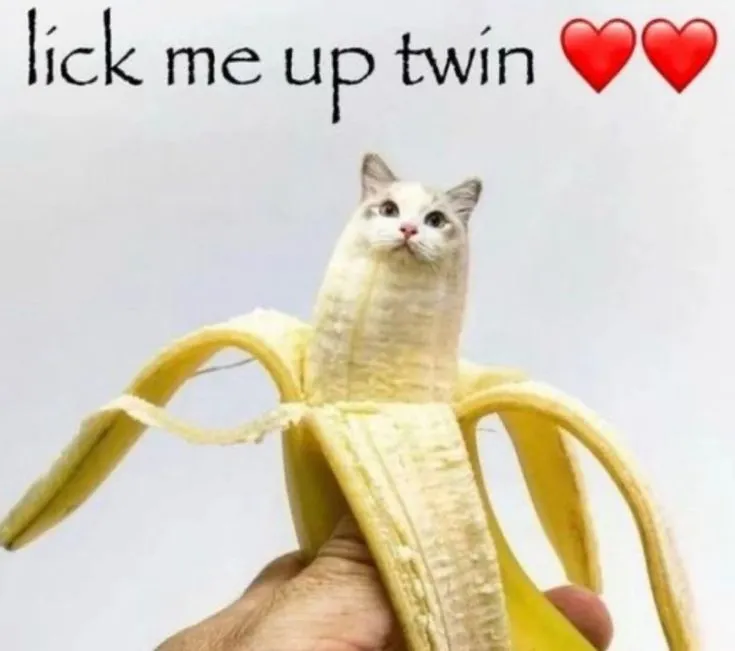 Before
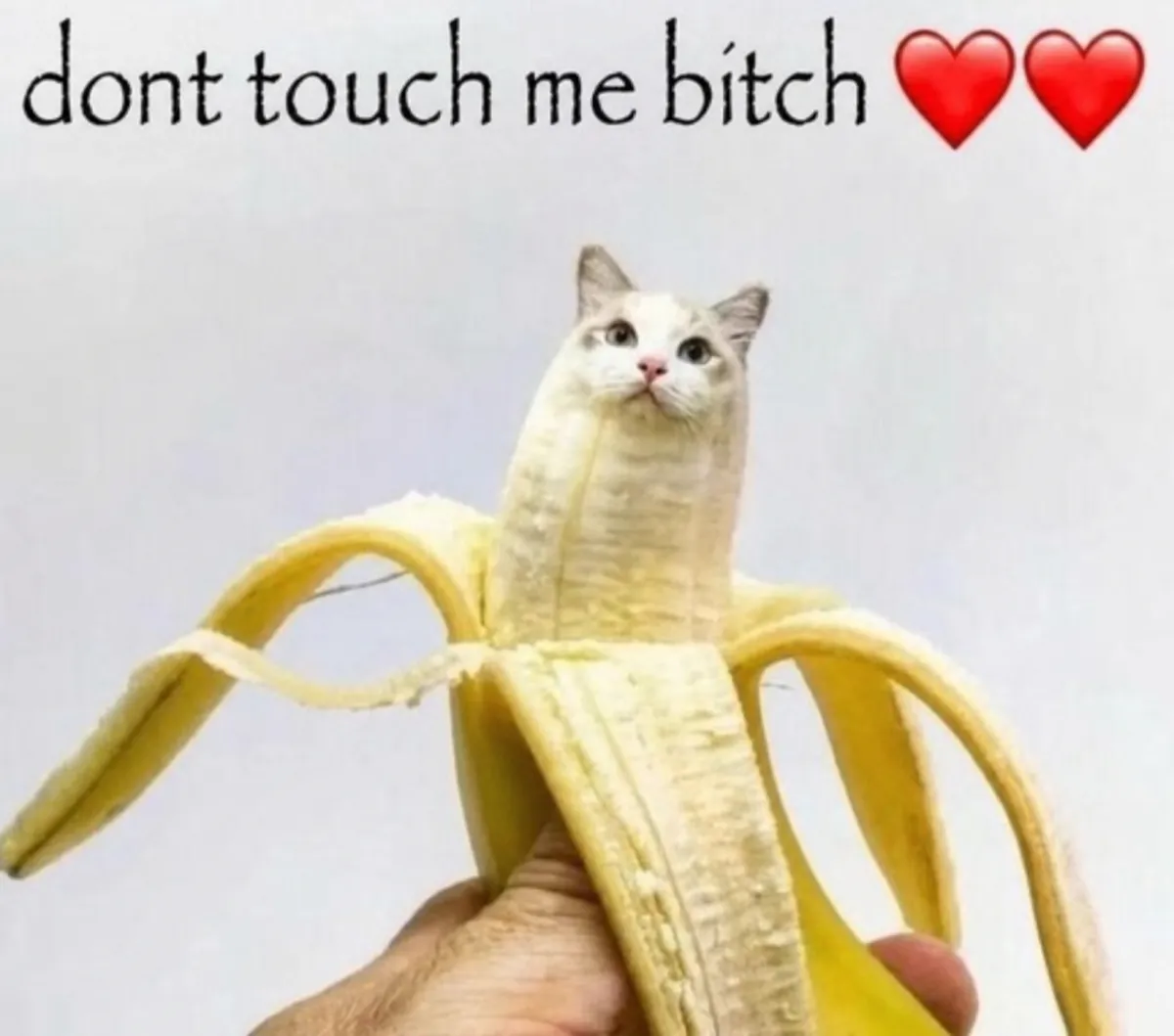 After
Swap the Drake template captions for your team Slack
The Drake hotline-bling two-panel meme is the office workhorse. Top-panel reject, bottom-panel embrace. Every team in-joke gets a custom version. Imgflip overlays Impact on top of the panels but the spacing and stroke don’t quite match the original. The AI replaces the existing captions in place using the same Impact-bold-with-2px-stroke as the original meme — looks like Drake himself rejected it.
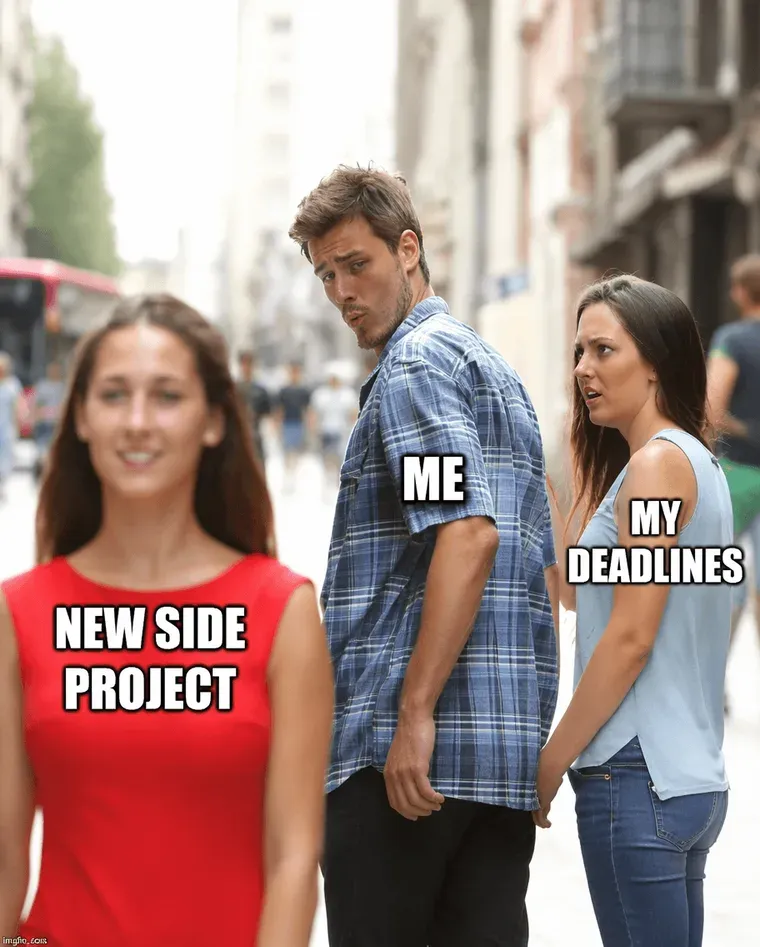 Before
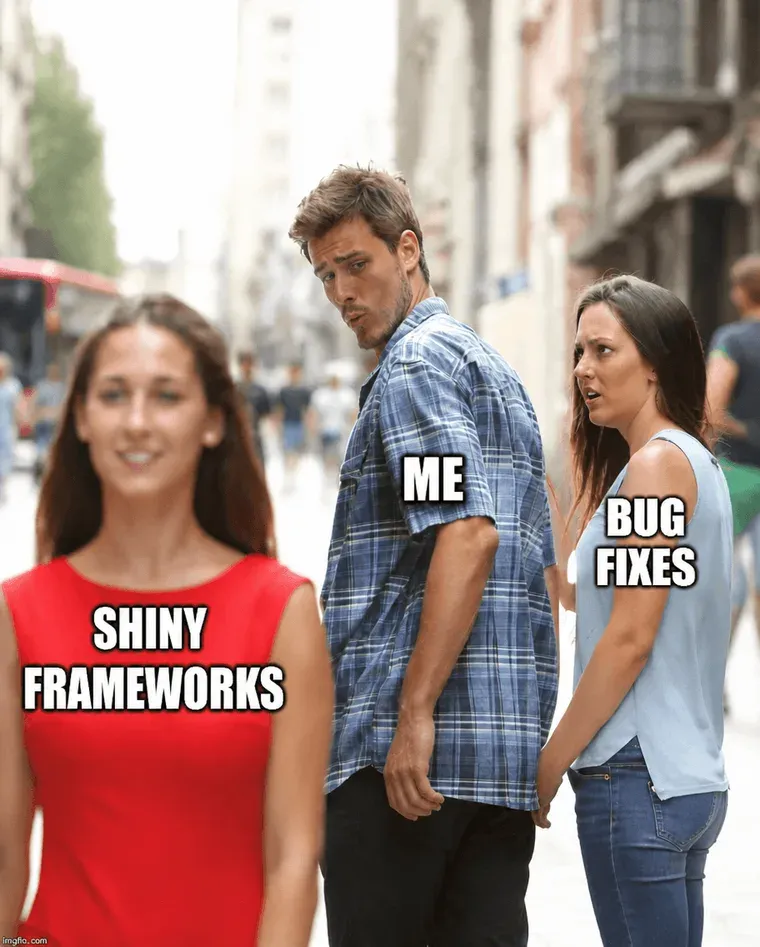 After
Relabel Distracted Boyfriend
Three labels: the boyfriend, the girlfriend, the other woman. The labels are what makes each Distracted Boyfriend variant funny. Edit each label in place with the same condensed-sans typography the original meme uses; the photo is intended to remain visually consistent. Three credits per fully-rebrandred meme, with processing time varying by image versus 10 minutes in Photoshop. Compare the result with the original before publishing; AI can change surrounding details.
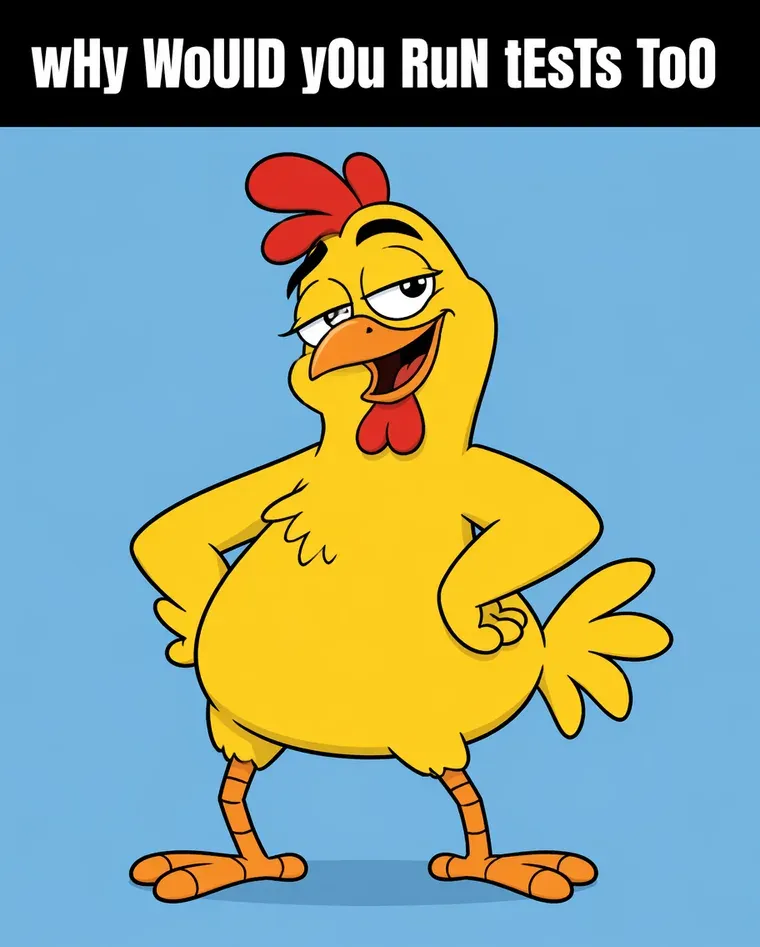 Before
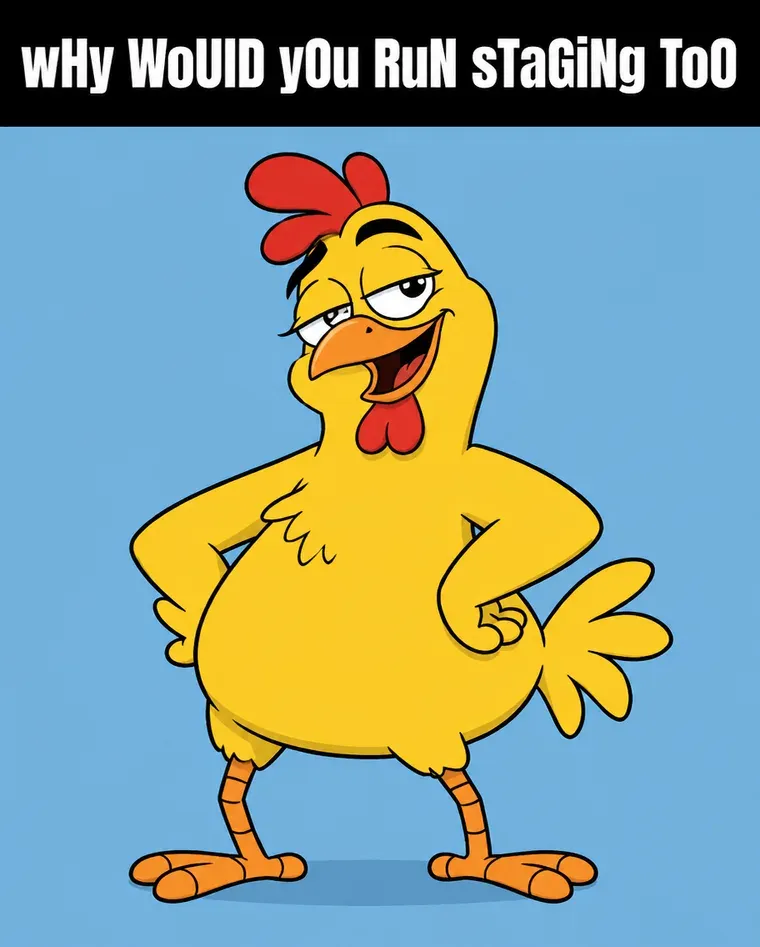 After
Rewrite a multi-line Mocking SpongeBob caption
The chicken-letters Spongebob mock meme is a single text block above a single panel. The mocking text uses random alternating capitals (“tHiS iS hOw I wRiTe”) — preserving that exact casing pattern is the joke. The AI samples the casing variation per character from the original caption pixels and re-renders the new mocking line keeping the same alt-cap rhythm.
What does it mean to edit the text on a meme?
To edit text in meme is to replace the caption on a meme template — Drake, Distracted Boyfriend, Spongebob Mock, This Is Fine, Galaxy Brain, every classic — without losing the template's signature typography. Most memes use Impact at heavy weight, white fill, 2–4px black stroke, all-caps; that visual uniformity is what makes a meme legible across phone screens and recognizable across cultures. Online meme generators like Imgflip and Kapwing overlay your text as a new layer on top of the template. EditText replaces the existing text in place using AI inpainting — the new caption looks like it was always part of the meme, in exactly the same Impact-stroke-all-caps style. First edit free, no watermark, commercial-use ready.
The caption is only half of it: keeping the template’s own lettering is what separates an edit from an overlay, which is the job the same-font editor does generally. If the meme is already posted and the problem is one wrong letter, fixing a typo in the image is the smaller version of this workflow.
Four meme scenarios beyond the basic Imgflip generator
Generic meme generators paste text on top in Impact. That works for simple two-strip templates but breaks for memes where the text is integrated into the artwork or where the existing caption uses unusual typography. Edit text in the meme in place to handle these recurring cases the standard tools miss.
1. Edit a meme whose caption is integrated into the artwork
Some viral templates — Distracted Boyfriend with labels on the people, Drake meme with labels on each Drake, Galaxy Brain expanding panels — have captions baked into specific positions in the image, not in a top / bottom strip. Edit text in the meme directly in place to swap those embedded labels without re-rendering the entire template.
2. Brand-jacking a trending meme for a marketing post
A meme template is peaking on TikTok / X right now and your brand has 6 hours to jump on it credibly. Re-creating the template from scratch — finding the source frame, matching the caption font, applying the outline — burns hours. Editing the caption text in place on the existing template lets your social team turn around a brand-aligned variant in under 5 minutes.
3. Internal-team memes with company-specific captions
Slack culture is a stream of work-relevant meme variations — «when the PR finally passes review», «legal vs marketing wanting to ship a feature», «the founder when MRR spikes». The base templates are public; the caption is the joke. Edit text in the meme template to produce company-specific variants without a meme-generator account or design tool.
4. Localizing memes for non-English audiences
The same meme template works globally, but the caption joke is language-specific. Spanish, Portuguese, Hindi, Japanese audiences need the punchline in their language. Edit text in the meme to localize captions per market while the template image (which carries the cultural reference) stays the same — the meme reads as a localized in-joke rather than a translated foreign post.
Frequently asked questions
How do I edit the text in a meme online for free?+
Upload the meme template (PNG or JPEG of any popular template — Drake, Distracted Boyfriend, Spongebob Mock, This Is Fine, etc.), type the existing caption, type the replacement, and download the result. The AI samples the meme's signature typography (usually Impact bold-white-with-2px-black-stroke) and re-renders the new caption in the same style. First edit free, no watermark.
Will it preserve the classic Impact font and black stroke that memes use?+
Yes — that's the most important detail. Impact, white fill, 2–4px black stroke, all-caps is the default meme typography on Imgur, Reddit, Know Your Meme. The AI samples the stroke width, fill color and casing from the original caption pixels and re-applies them. Mismatched font on a meme is the #1 sign of low-effort editing; this avoids that.
Can I edit just the top caption or just the bottom caption of a meme?+
Yes — they're independent edits. Type only the original top caption in the From field and the new top caption in To, generate, and only the top text changes; the bottom caption is intended to remain visually consistent. Repeat for the bottom. Two credits per fully-replaced meme, with processing time varying by image. Compare the result with the original before publishing; AI can change surrounding details.
How do I edit the text on a Distracted Boyfriend, Drake or Spongebob meme?+
Same flow on every template. The AI doesn't care which meme it is — it operates on whatever text it finds in the image. For multi-panel memes (Drake-style two-row, Spongebob mock multi-pane) edit each row's caption separately. The character art and panel layout are intended to remain visually consistent. Compare the result with the original before publishing; AI can change surrounding details.
Is there a meme generator that uses AI to match the original style?+
Most online meme generators (Imgflip, Kapwing, Canva meme tool) overlay the new caption as a separate text layer on top of the template. EditText actually replaces the existing text in place using AI inpainting, so the result looks like part of the original meme rather than text laid on top — useful for memes where the caption is integrated into the artwork rather than positioned in the standard top/bottom strips.
Can I post AI-edited memes commercially without attribution?+
For meme templates that are public-domain or user-generated (most are), yes. For licensed-image memes (a copyrighted movie still or a brand image used as a meme), commercial use depends on the underlying license. Posting on personal social media for entertainment is fine; using the meme in a paid ad is where licensing matters. EditText is a tool — the legal position of the resulting meme depends on what you put through it.
Will the Impact-style outline and stroke be preserved when I edit text in a meme?+
Yes — the Impact-with-black-stroke is the canonical meme typography and the AI samples it directly from the existing caption pixels. New caption text gets the same outline thickness, the same drop shadow if present, and the same all-caps treatment automatically. No need to manually apply text styles.
Can I edit text in a meme that already has multiple captions on it?+
Yes, one caption at a time. For a template with top and bottom strips, edit the top caption first (upload, type old/new, download), then upload that intermediate result and edit the bottom caption. Processing time varies; review the result before using it.
how do i edit text in a png image for free?+
You can edit text in a PNG image for free using online tools that automatically maintain the original font and style. EditText is one such tool that works efficiently without requiring a download or subscription. To start, you simply upload your PNG image to EditText, which supports files up to 10 MB. It uses generative inpainting to replace the words while preserving the background seamlessly. Unlike manually editing in software like Photoshop, which can be more complex and require font matching, the tool uses the surrounding area to intelligently guess the text style. Another option is Pixlr, a free online photo editor that also allows text editing within images, though it may require more manual input to achieve the same font and style consistency. Pixlr offers a range of tools similar to traditional desktop software and supports layers and advanced editing. After editing, ensure to save your work in the PNG format to maintain transparency, which is a notable feature of PNG files thanks to their alpha channel preservation. This ensures no loss of quality or unwanted background when the edited image is used elsewhere.
how do i edit text in a jpg image online for free?+
Editing text in a JPG image online for free is possible using tools like EditText and Photopea, which allow you to modify text without downloading any software. The tool offers an easy-to-use web interface where you can upload your JPG file, and it automatically detects and replaces text while preserving the original font, color, size, and background. This tool uses generative inpainting, a process that fills in text areas by sampling the surrounding pixels and ensuring that the edited text blends seamlessly with the existing image structure. The result is a high-quality edit without obvious signs of alteration. Photopea, on the other hand, simulates many of Photoshop’s features online, allowing for more manual control but requiring a bit more design skill to match font styles manually. The tool is more automated and outputs 2K results within about 30 to 60 seconds, making it ideal if you need quick and consistent edits. Both tools are free, but Photopea may require you to deal with ads unless you opt for a paid version. If you intend to further edit the image, consider saving it in PNG format to avoid lossy JPEG recompression artifacts.
what's the best free image text editor?+
The best free image text editor depends on your specific needs, with EditText being an excellent choice for quick text edits while preserving original styles. This tool specializes in replacing text in images without altering other elements, making it ideal for those needing precise text updates. The tool works by sampling surrounding text attributes and can edit images up to 10 MB in formats such as JPG, PNG, and WebP. It provides results at 2K resolution within approximately 30 to 60 seconds. For broader image editing capabilities, consider using Canva, which includes a range of design tools and templates but might require manual adjustments to ensure text consistency with the original. Both the tool and Canva operate in-browser, negating the need for software installation and ensuring accessibility from any device, whether you're on a Mac, Windows, or even mobile platforms. Canva offers more extensive design features, which could be beneficial if you're working on complex projects or presentations. For those focused on text editing precision, the tool's automatic text style sampling provides a significant advantage in ensuring style consistency, making it a strong candidate as a specialized tool.
what's better for editing text in an image, canva or photopea?+
When deciding whether Canva or Photopea is better for editing text in an image, it depends on the complexity of the task and the style preservation required. Canva is known for its ease of use and template-based design, offering a straightforward way to add and edit text, though it might not perfectly match existing font styles on images unless the exact font is available in their library. Photopea, on the other hand, is a more advanced tool that replicates many features of Adobe Photoshop and supports complicated edits like maintaining the original font style, size, and color more precisely, provided you know the exact settings to replicate. While Canva excels in creative design and quick edits, Photopea provides greater control over manual adjustments and intricate style matching, which is essential for graphic designers familiar with layer-based editing. For quick, template-driven tasks or design creation from scratch, Canva is a strong choice. If maintaining the integrity of existing text styles within an image is crucial, Photopea may offer better fidelity. Users looking for a balance between these two might consider EditText, which simplifies maintaining original text styles in place using AI-based detection without needing advanced editing skills.
how can i change text on a jpeg without photoshop?+
You can change text on a JPEG without Photoshop by using online tools like EditText or Canva. The tool allows you to replace text while keeping the original font, color, and style intact. It handles JPEGs up to 10 MB and returns results in a crisp 2K resolution within about 30 to 60 seconds. This makes it ideal for quick edits without the complexities of software like Photoshop. Canva, on the other hand, is a versatile online graphic design tool that includes text editing features. Though not as specifically focused on maintaining original text styles, Canva allows you to overlay new text easily. It's particularly useful for creating designs from scratch or when you are not concerned with matching the existing text exactly. Both tools are web-based, which means you can perform your edits from any device with internet access. If you frequently work with images, it's advisable to keep your files in formats like PNG or high-quality JPEG to prevent degradation from repeated edits.
why does text in midjourney v7 images often look broken or incomplete?+
Text appears broken or incomplete in Midjourney v7 images due to how diffusion models render images based on token-pixel mapping, prioritizing visual patterns over linguistic accuracy. AI models like Midjourney are optimized for generating appealing visuals rather than accurately representing legible text. The diffusion model reconstructs images from pixel data, which works well for image elements but poorly for text, as letters and words are just another set of visual patterns to the AI. This can lead to incomplete or garbled text, especially when using decorative or complex fonts. To fix this, tools like Photoshop's Generative Fill or EditText can replace the incorrect text by sampling the surrounding style and re-rendering the correct text into place. Photoshop CC 2025, while powerful, requires manual font-matching, whereas the tool simplifies this by automatically detecting font features. Understanding this limitation helps set realistic expectations for the level of text accuracy AI-generated images can achieve. After correcting the text, export the image in high-res formats like WebP to maintain the refined edges and overall quality, avoiding the artifacts that are common in JPEG files.
“How do I edit the caption on a meme template while keeping the original Impact font and black stroke?”
For non-meme images that need the same font-matching treatment — same engine, broader marketing.
When you generate a meme via Midjourney / DALL-E and the caption comes out as gibberish — repair the text in place.
Edited memes for personal / entertainment use are fine. Memes that fabricate quotes from real people or create defamatory content are not.
Further reading
- Know Your MemeKnow Your Meme — meme template database↗
The canonical reference for which meme templates are current and what caption conventions apply. Useful for picking a template format whose existing caption style is preserved by an in-place edit.
- ImgflipMeme templates — Imgflip↗
Imgflip's library of clean meme template images. Combine with EditText when the standard generator's font choices look stale and you want the AI to keep the exact branded font from a particular template version.
- WikipediaImage macro↗
How the caption-on-a-picture meme format works: a fixed image, a short line of text, and a lettering style readers recognise. That fixed image is why editing only the caption in place keeps a template looking like itself.