
Translate Image Text and Edit CJK Lettering: Practical Examples
Illustrative English-to-Spanish translation and Chinese, Japanese and Korean replacements show how to specify characters and review the edited image.
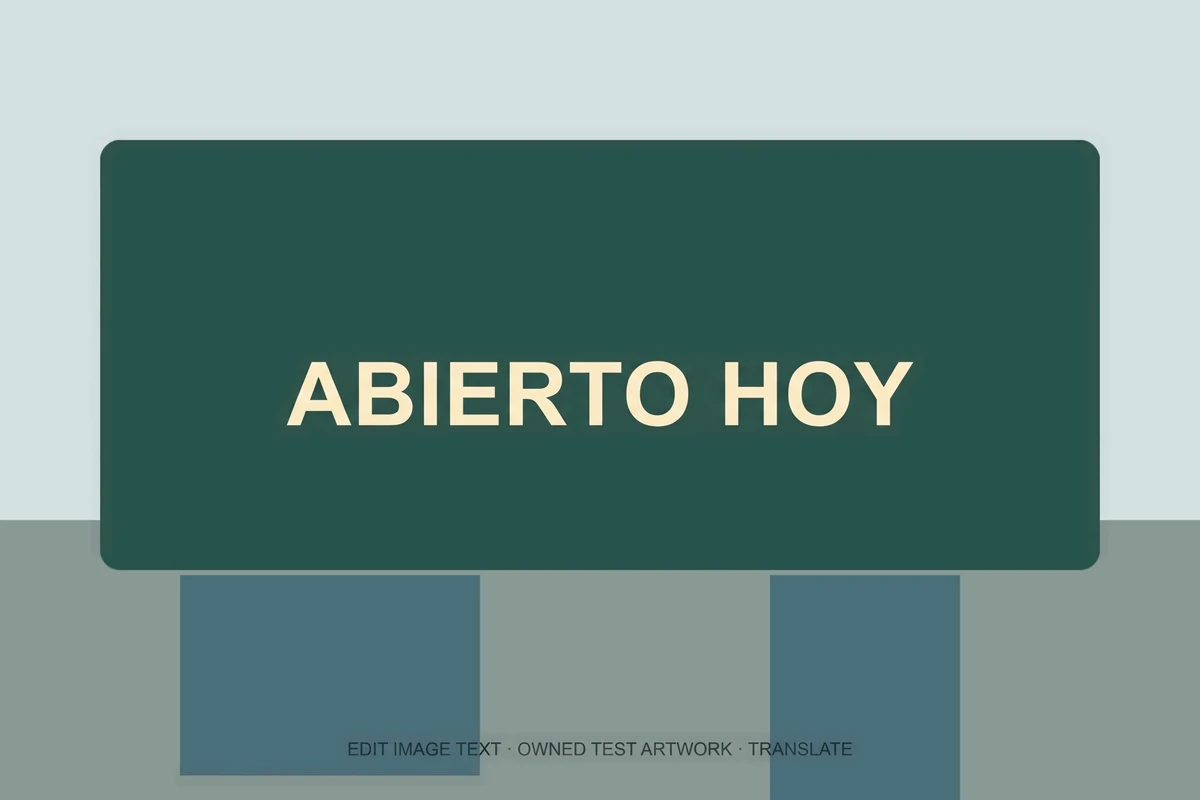
Image translation has two separate tasks: choose the right words, then render them in a layout. A phrase can be translated correctly in meaning and still overflow a sign, lose an accent or acquire a malformed character. Review language and pixels separately.
Our Translate mode targets one phrase supplied by the user. It does not automatically find and translate every word in a picture. Our CJK mode is different: it replaces an explicitly supplied Chinese, Japanese or Korean phrase and asks the model to preserve those exact characters.
The following images are inherited from the backend example set and are used as illustrations. They are not EditText production measurements. They show simple horizontal headings, not dense documents or natural handwriting.
English to Spanish: one short sign
The illustration pairs OPEN TODAY with the Spanish wording ABIERTO HOY. Longer text, idioms and specialist terminology need their own review.
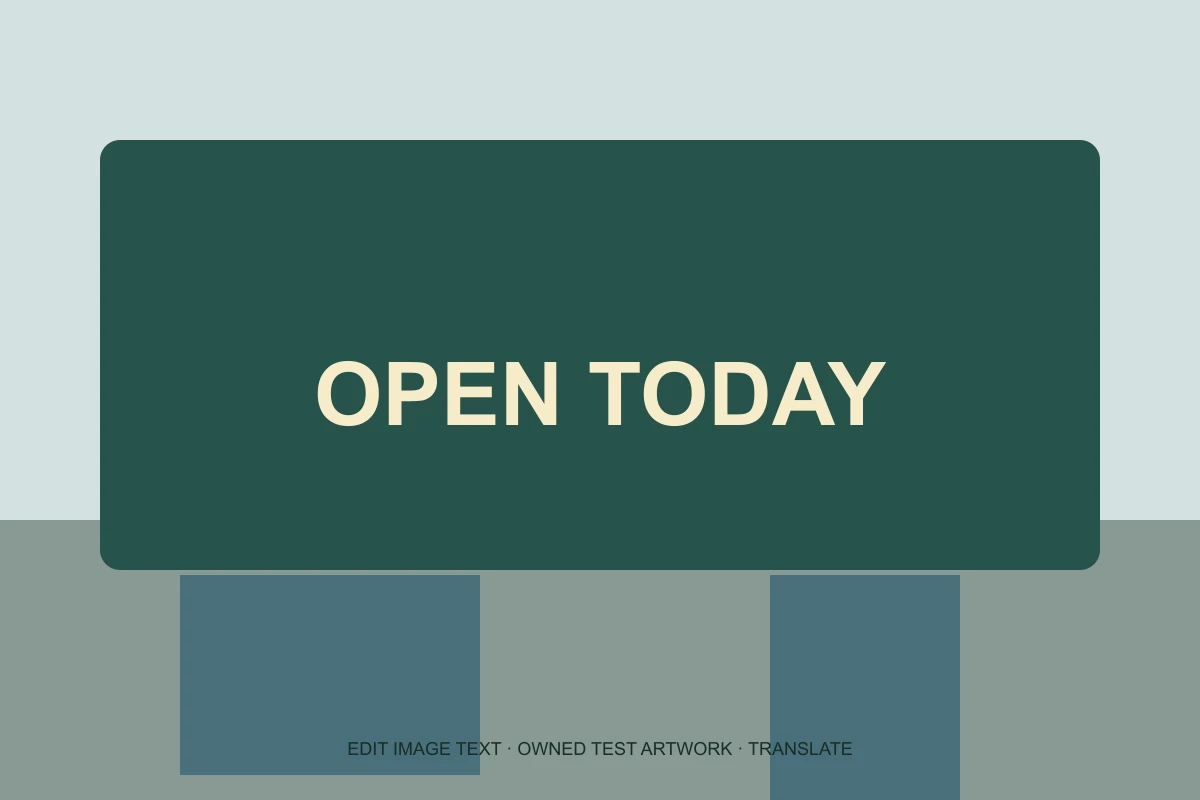
Inherited example artwork, before and after. These images illustrate the editing task; they are not measurements of EditText production. OPEN TODAY became ABIERTO HOY. Review meaning, spacing and accents before using any translation.
The Spanish phrase is longer than the English phrase, and the simple sign has ample space. A narrow button or tightly designed product label may need a different layout.
If a brand name must remain unchanged, or a translation must follow a glossary, validate the wording outside the image first. For an exact approved translation, use Replace text mode and supply the approved target phrase yourself.
See the homepage editing examples, then translate a phrase in your image.
Chinese: supply the intended script
The Chinese illustration changes 春日咖啡 to 夏日咖啡. This is an explicit replacement, separate from translation, proofreading or conversion between simplified and traditional Chinese.
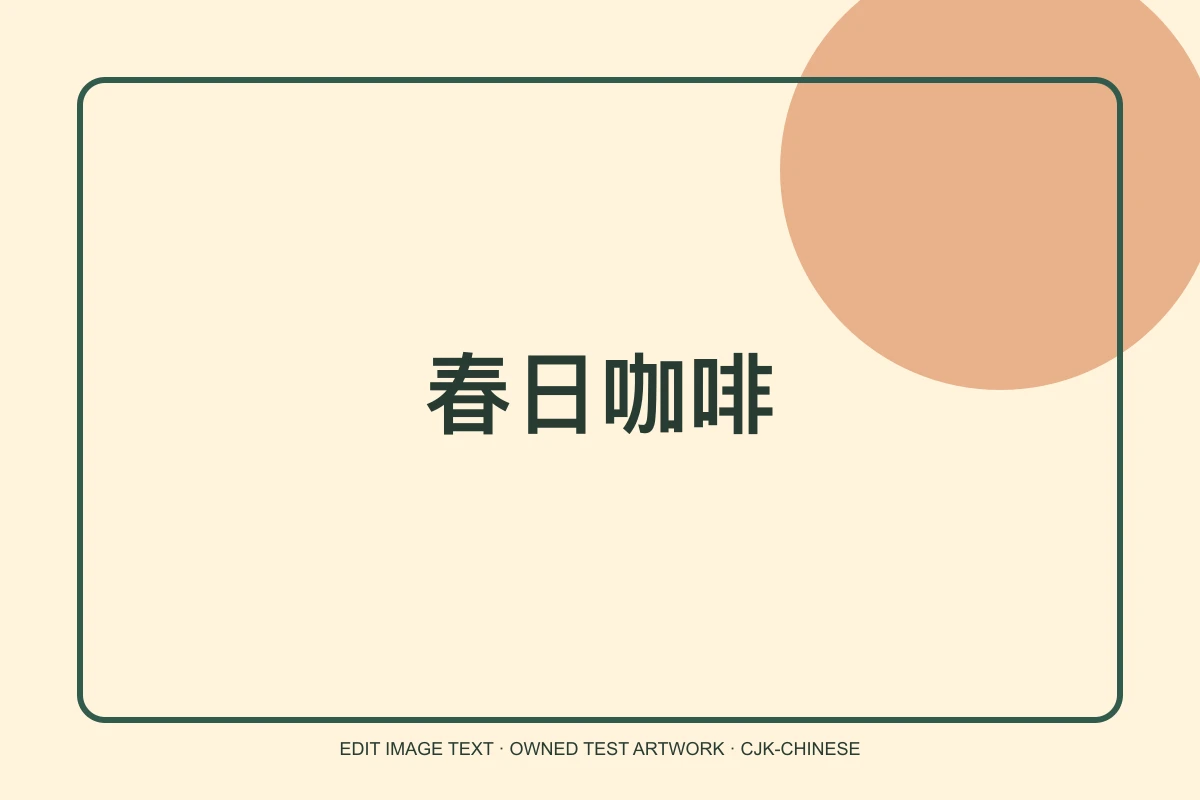
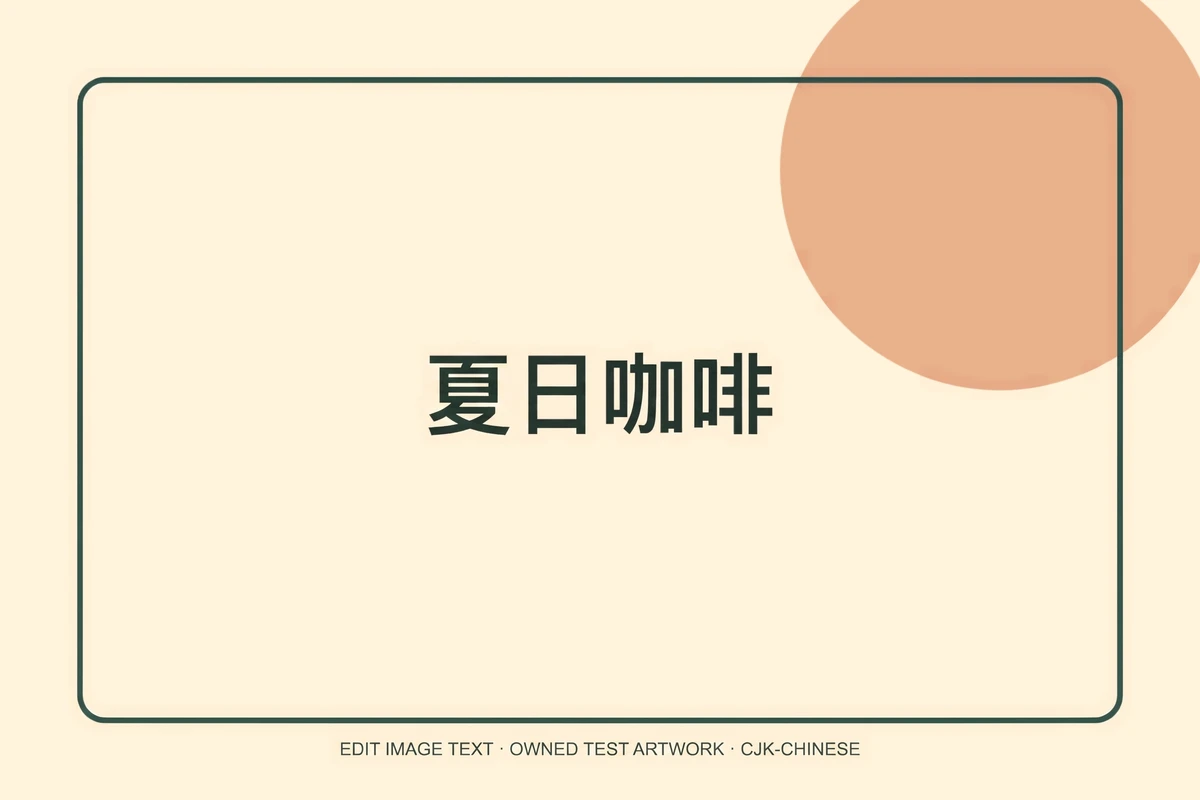
Inherited example artwork, before and after. These images illustrate the editing task; they are not measurements of EditText production. The supplied Chinese replacement is visible. A short horizontal phrase does not demonstrate font identity.
Read every stroke with a fluent reviewer. Visually similar Chinese characters can carry different meanings. A pixel-difference check cannot establish whether a character is correct, and a similar-looking typeface is not the same as the original font file.
The Chinese illustration above shows same-language editing. To supply exact replacement characters, use the CJK text editor.
Japanese: check kanji and kana together
The Japanese illustration changes 春のカフェ to 夏のカフェ in a horizontal heading. Vertical composition, ruby text, tightly spaced body copy or mixed writing directions require separate review.
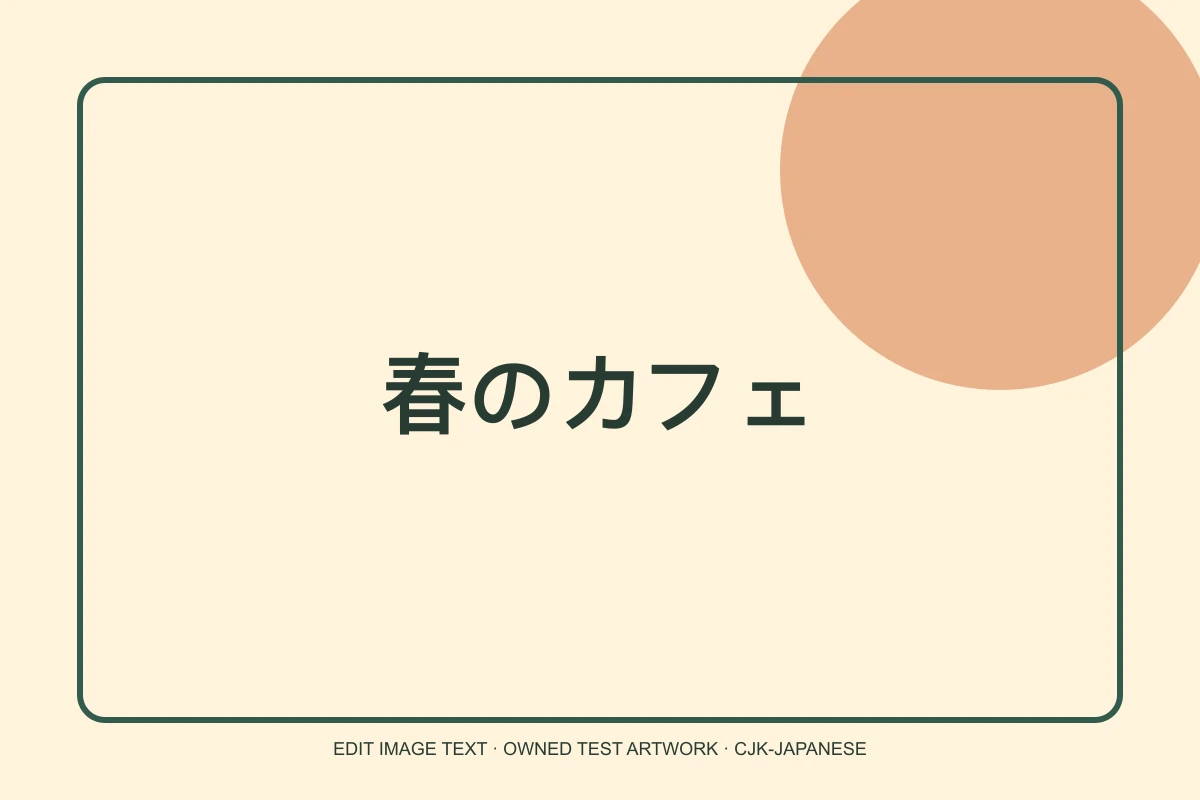
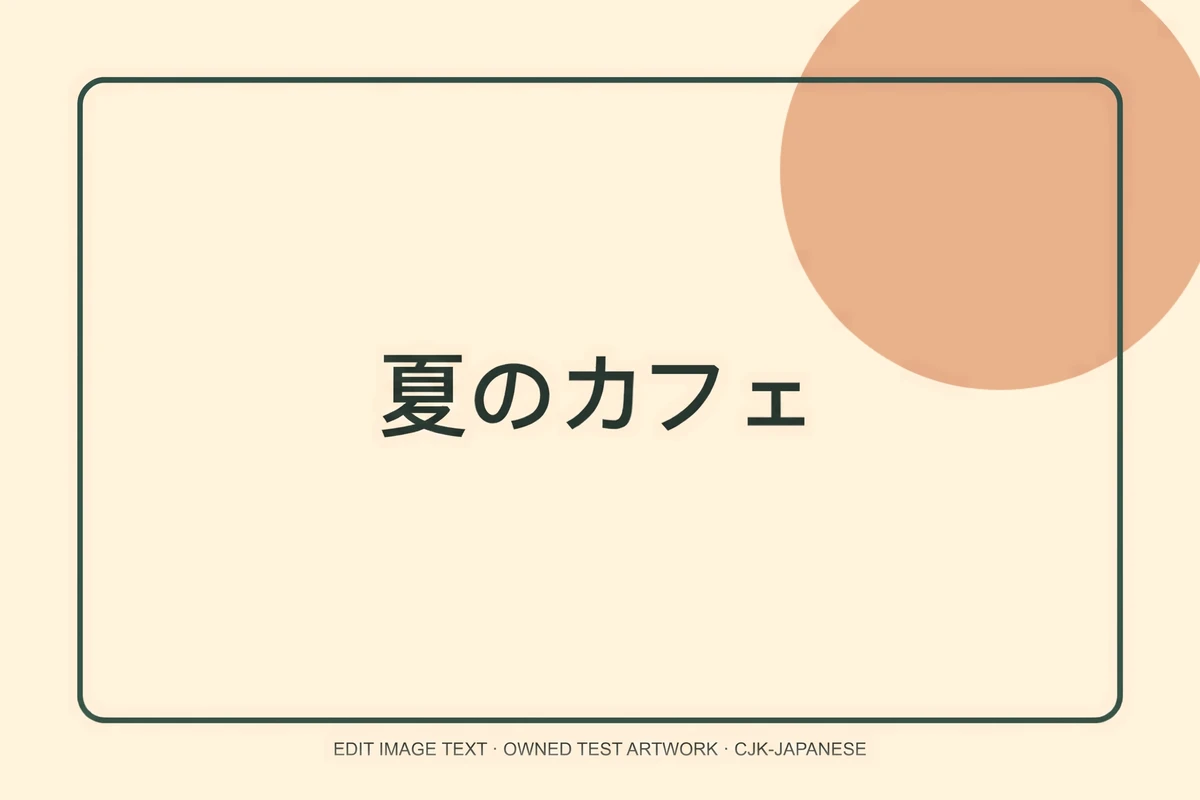
Inherited example artwork, before and after. These images illustrate the editing task; they are not measurements of EditText production. The supplied Japanese replacement is visible. Review vertical writing, dense body text and mixed-script paragraphs separately.
Punctuation and long vowel marks deserve the same attention as the larger kanji. If a replacement is longer, check whether the model has changed line breaks, spacing or the placement of neighboring elements.
Korean: review the syllable blocks
The Korean illustration changes 봄 카페 to 여름 카페. It shows a literal replacement; it does not establish the quality of other Korean translations or typefaces.
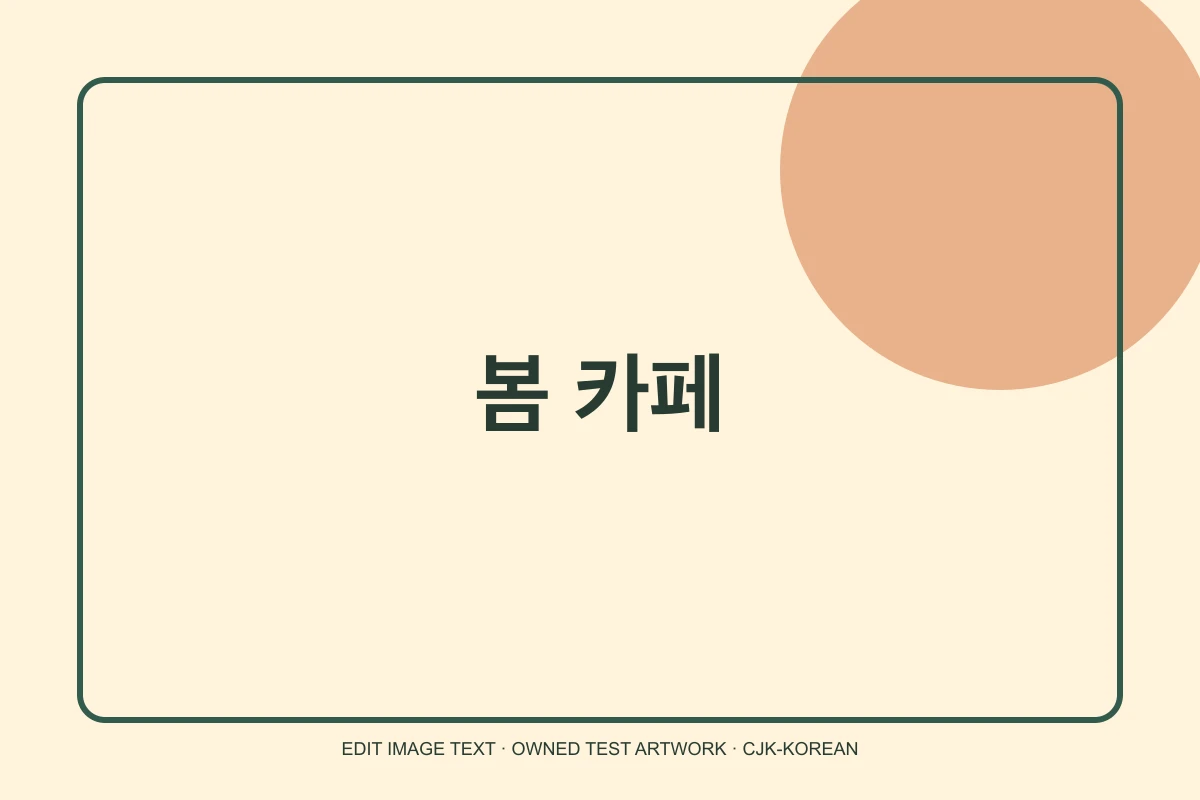
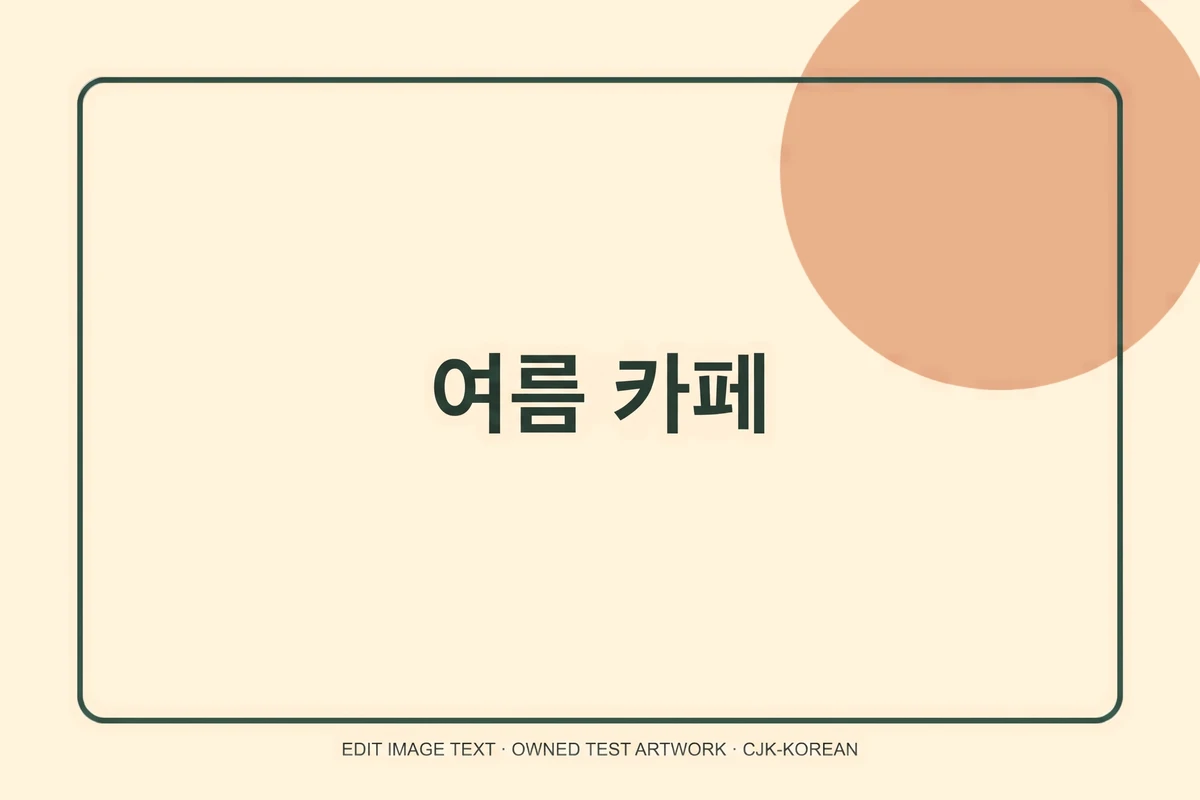
Inherited example artwork, before and after. These images illustrate the editing task; they are not measurements of EditText production. The supplied Korean phrase is visible. Fine syllable-block detail and other Korean typefaces need separate review.
Korean syllable blocks group multiple components into one visual unit. Inspect the components, word spacing and stroke weight at full size. OCR can assist a review but should not be the only acceptance check.
What the modes do not automate
Translate mode does not perform whole-image OCR or certified localization. CJK mode does not decide the correct spelling or silently change the script. Neither mode guarantees exact fonts, correct semantics in every context or a suitable final design.
Images used as records, payment proof or chat screenshots remain outside our permitted editing uses. For your own creative assets, keep the untouched original and avoid uploading confidential content because this version uses public-by-link storage.
Use the translation editor for a one-phrase translation, or the CJK editor for an explicit replacement. See the homepage examples and practical editing guide for further review steps.